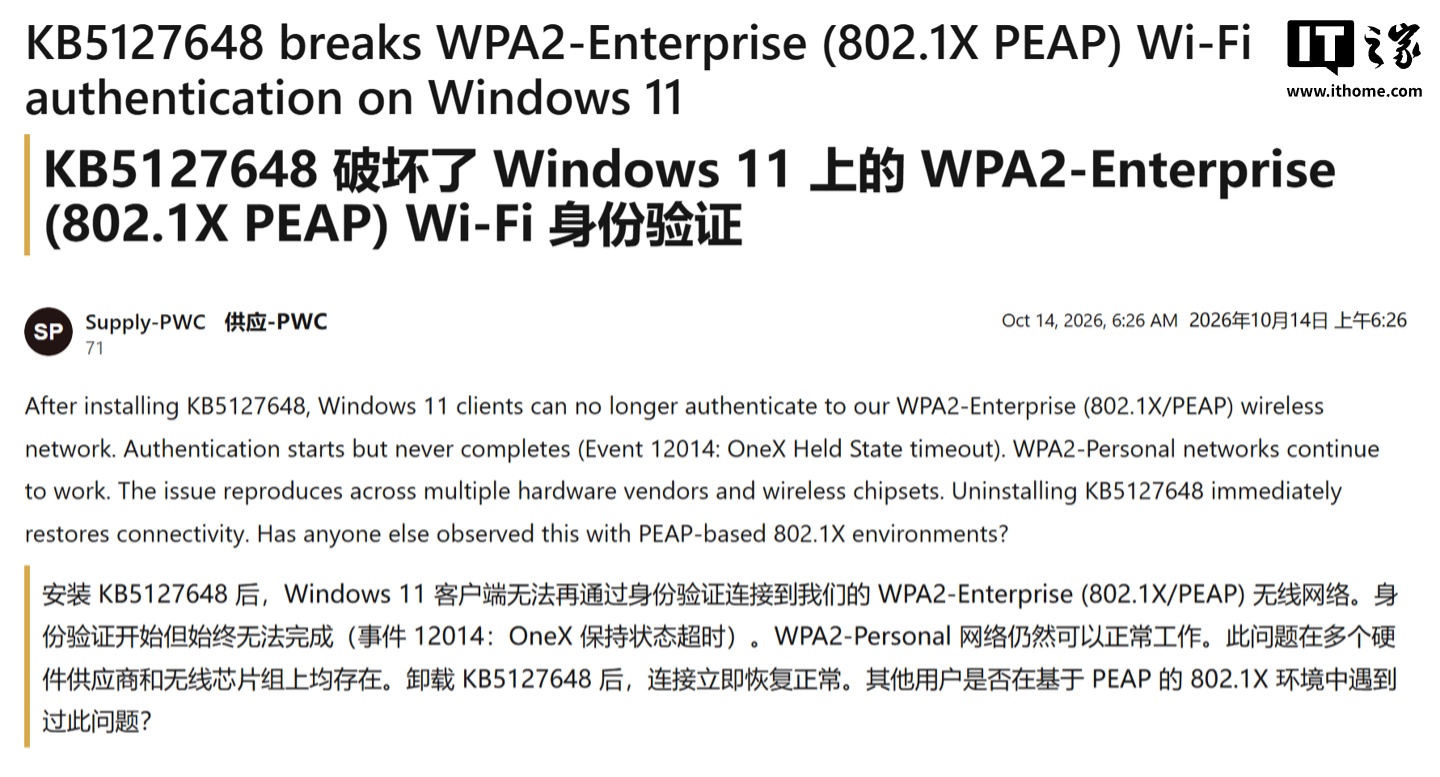
Microsoft’s latest Windows 11 cumulative update, KB5127648, released in October, is causing significant Wi-Fi connectivity issues for users in enterprise and educational environments. The bug specifically affects networks employing WPA 802.1X PEAP authentication, leading to widespread connection disruptions for countless employees and students.
Widespread Connectivity Problems
Reports surfaced on October 14th, highlighting that the update, pushed for Windows 11 versions 24H2, 25H2, and 26H2, is causing Wi-Fi to fail for many users. The issue appears to stem from how the update interacts with enterprise-grade Wi-Fi systems that rely on the Protected Extensible Authentication Protocol (PEAP) for network security. Users are encountering credential errors or direct messages stating “Cannot connect to this network” when attempting to establish a connection.
Given that many large organizations, business parks, and universities commonly deploy these secure authentication networks, the bug has effectively left a substantial number of workers and students disconnected globally. The inconvenience and disruption to productivity and learning are considerable.
Temporary Fix Available via Registry Edit
Fortunately, a temporary workaround has been identified and confirmed by multiple users and administrators. This solution involves modifying the Windows Registry:
- Open the Registry Editor with administrator privileges.
- Navigate to the following path:
HKEY_LOCAL_MACHINE\SYSTEM\CurrentControlSet\Control\Lsa\MSV1_0 - If the value
BlockNtlmv1SSOdoes not exist, create a new 32-bit DWORD value with this name. - Set the value of
BlockNtlmv1SSOto0. - Restart the computer and check if the Wi-Fi connection has been restored.
This registry adjustment reportedly resolves the authentication problem for affected users. Furthermore, one user reported success by deploying this setting via Group Policy. This method is particularly valuable for IT administrators managing multiple machines within an organization, allowing for a more scalable deployment of the fix.
While Microsoft has not yet released an official statement or a permanent fix for this issue, the registry edit provides immediate relief for those grappling with the unexpected “network outage.” Users are advised to proceed with caution when editing the registry and to ensure they have administrative rights before attempting the workaround. Further updates on a permanent solution are expected from Microsoft.