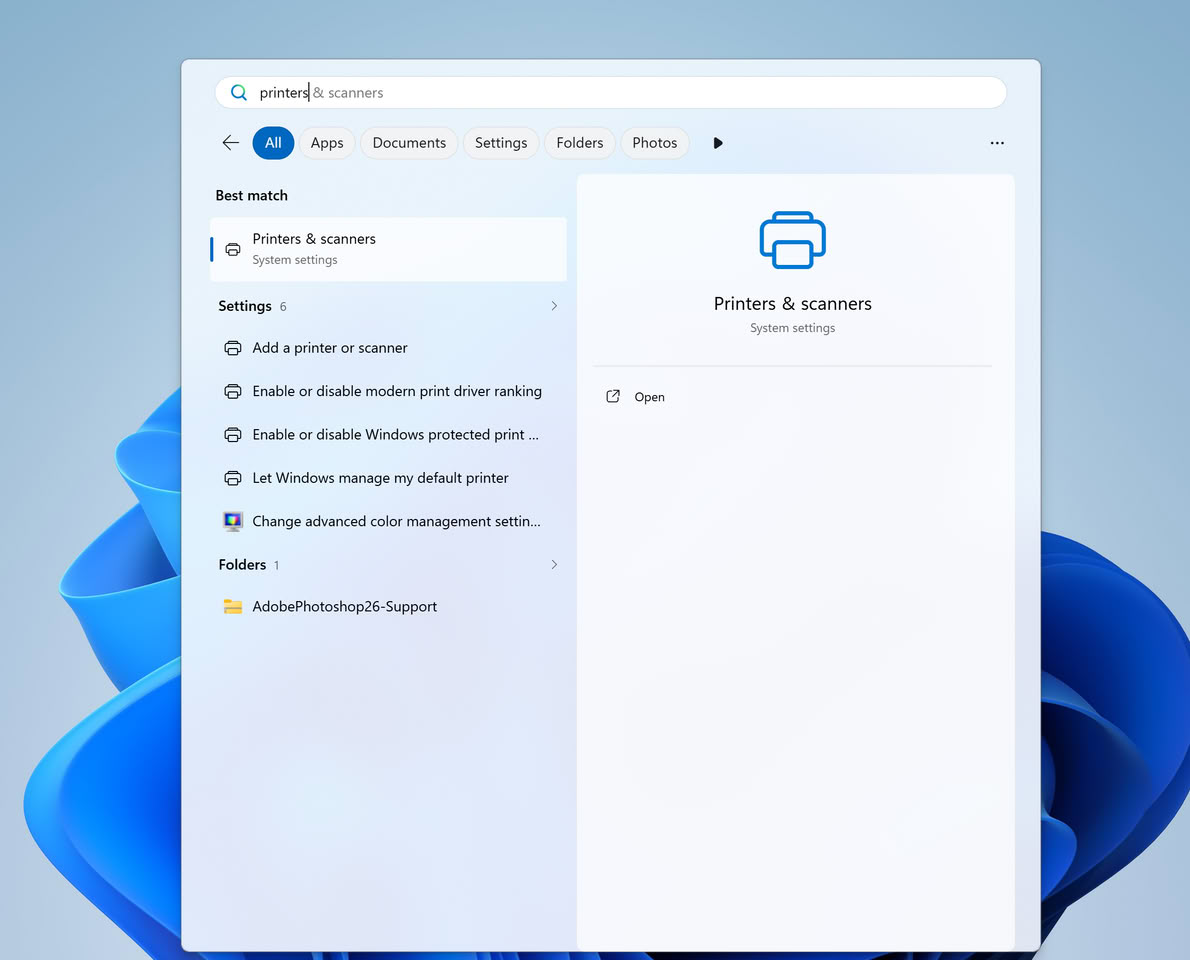
Microsoft is gradually phasing out traditional printer drivers in Windows 11, a move that could present compatibility challenges for older printing devices. This transition, centered around the new ‘Windows Ready Print’ platform, aims to streamline the printing experience by moving away from manufacturer-specific drivers towards a standardized Internet Printing Protocol (IPP).
Shifting Towards a Modern Printing Platform
The core of this change involves renaming the ‘Modern Print Platform’ to ‘Windows Ready Print’ and introducing driver selection controls. This initiative seeks to offer users and IT administrators a more reliable and simplified printing solution. The shift means Windows will rely less on proprietary drivers from manufacturers like HP, Canon, Epson, and Brother, opting instead for a unified protocol to identify and manage printers.
Traditional v3 and v4 printer drivers, provided by device manufacturers, have been instrumental in allowing Windows to recognize printers and utilize their specific functionalities, such as advanced finishing options, ink management, and scanning controls. Many older office devices depend on these drivers for full operational capability.
Key Dates for the Transition
Microsoft has outlined a phased approach for this transition:
- January 15, 2026: Microsoft will generally cease publishing new printer drivers through Windows Update for Windows 11 and Windows Server 2025.
- July 1, 2026: The system will begin prioritizing the use of built-in IPP drivers.
- July 1, 2027: This final phase will limit third-party driver updates to security fixes only. While manufacturers may continue to offer support for older drivers via manual installation packages, their continued availability will depend on the manufacturers’ commitment. Microsoft has indicated that security fixes for existing drivers will still be permissible, but new feature support for traditional drivers will be significantly reduced.
Potential Impact on Older Devices
The introduction of ‘Windows Protected Print Mode’ could further complicate matters by restricting driver sources to only those provided by Windows infrastructure, potentially blocking proprietary manufacturer drivers. Microsoft has not yet specified a default activation date for this mode.
Media reports suggest that older USB printers face the highest risk during this transition. If a device does not support IPP, IPP over USB, or Mopria (an industry standard for printing and scanning devices), enabling Protected Print Mode might result in the system failing to recognize the device or offering only limited functionality.
Mopria certification ensures printers adhere to unified standards for discovery, connection, and printing processes.
What Users Can Do Now
Currently, users have the option to disable Windows Protected Print Mode and install legacy drivers. While this may allow older devices to continue functioning, it means foregoing automatic updates. The long-term compatibility of these drivers with future Windows versions will heavily depend on ongoing support from the manufacturers.
This strategic shift by Microsoft, while aimed at modernizing the printing ecosystem, highlights the need for users with older hardware to be aware of the upcoming changes and potential compatibility hurdles. Staying informed about manufacturer support and considering compatible hardware will be key for a seamless printing experience moving forward.