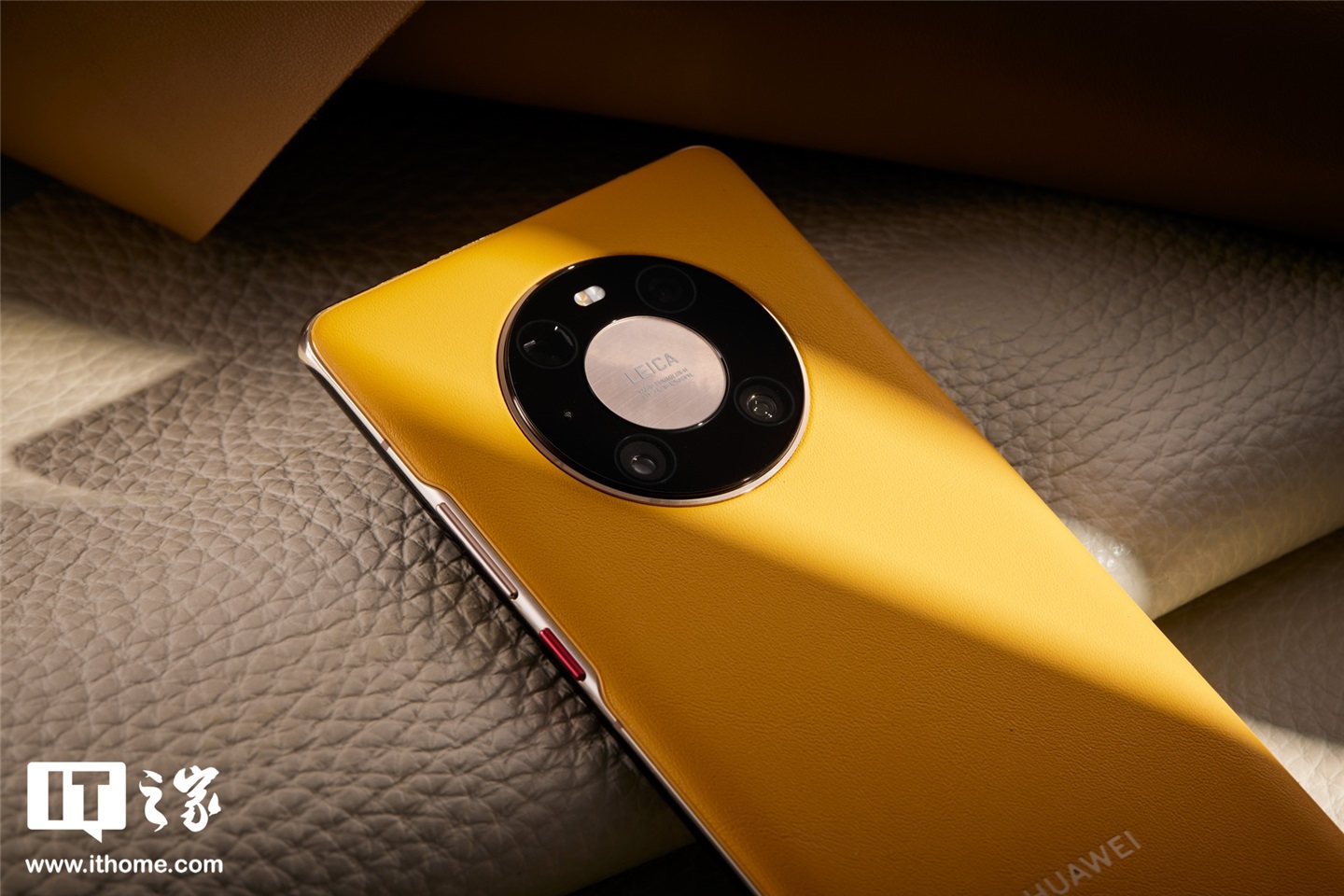
Huawei’s Mate 40 series smartphones are receiving a new system update, HarmonyOS 4.2.0.196/210. This marks the first major system update for the popular flagship line in nearly a year, bringing optimizations and stability improvements.
HarmonyOS 4.2.0.196/210 Rolls Out to Mate 40 Series
Owners of the HUAWEI Mate 40 series can now download and install the latest HarmonyOS update. The rollout, confirmed by Huawei’s official team @MateP手机软件维护, includes version 4.2.0.196 for most models and 4.2.0.210 specifically for the Mate 40E Pro. This update aims to enhance the display effects in various application scenarios and refine the overall user experience, alongside boosting system stability.
Supported Devices and Version Changes
The update is compatible with a range of Mate 40 models, including:
- HUAWEI Mate 40 (OCE-AN10)
- HUAWEI Mate 40 Pro (NOH-AN01)
- HUAWEI Mate 40 Pro (NOH-AN00)
- HUAWEI Mate 40 Pro 4G (NOH-AL10)
- HUAWEI Mate 40 Pro 4G (NOH-AL00)
- HUAWEI Mate 40E (OCE-AN50)
- HUAWEI Mate 40E 4G (OCE-AL50)
- HUAWEI Mate 40E Pro (NOH-AN80)
- HUAWEI Mate 40E Pro (NOH-AN50)
- HUAWEI Mate 40 Pro+ (NOP-AN00)
- HUAWEI Mate 40 RS Porsche Design (NOP-AN00)
- HUAWEI Mate 40 RS Porsche Design Collector’s Edition (NOP-AN00)
The specific version changes are as follows:
- For HUAWEI Mate 40E Pro: From 4.2.0.206 to 4.2.0.210
- For HUAWEI Mate 40, Mate 40 Pro, Mate 40 Pro 4G, Mate 40E, Mate 40E 4G, Mate 40 Pro+, and HUAWEI Mate 40 RS Porsche Design (including Collector’s Edition): From 4.2.0.192 to 4.2.0.196
Important Update Considerations
Huawei has provided several important notes for users planning to update:
- Data Backup: It is strongly recommended to back up all important data to a PC or cloud service before proceeding with the update. Special attention should be paid to backing up QQ, WeChat, and other third-party applications to prevent potential data loss. Ensure the backup is complete and valid.
- Root Status: Users must ensure their phones are not rooted. Once the push notification is received, users can perform an over-the-air (OTA) upgrade.
- Phased Rollout: The update is being released in batches. For users eager to upgrade immediately, the update can be manually checked and downloaded via “Settings > System & updates > Software update > Check for updates”.
- Post-Update Optimization: After the update, the system will undergo self-optimization, which may temporarily cause issues such as increased phone temperature, faster battery drain, stuttering, or slow charging. These effects are typically normal and should resolve within 2-3 days of regular use. To aid this process, it is advised to perform a screen-off charge for at least 2 hours (preferably overnight) after the update, followed by a phone restart.
- Restart Required: The system will restart automatically upon completion of the update. Users are advised to wait patiently during this process.
This timely update demonstrates Huawei’s continued commitment to supporting its established device lines, ensuring users can benefit from the latest software improvements on their Mate 40 series smartphones.