Google has significantly enhanced its conversational AI, Gemini, by introducing capabilities that allow users to create, preview, and edit various file types directly within the chat interface. This update aims to streamline workflows and make generative AI more interactive for content creation and modification.
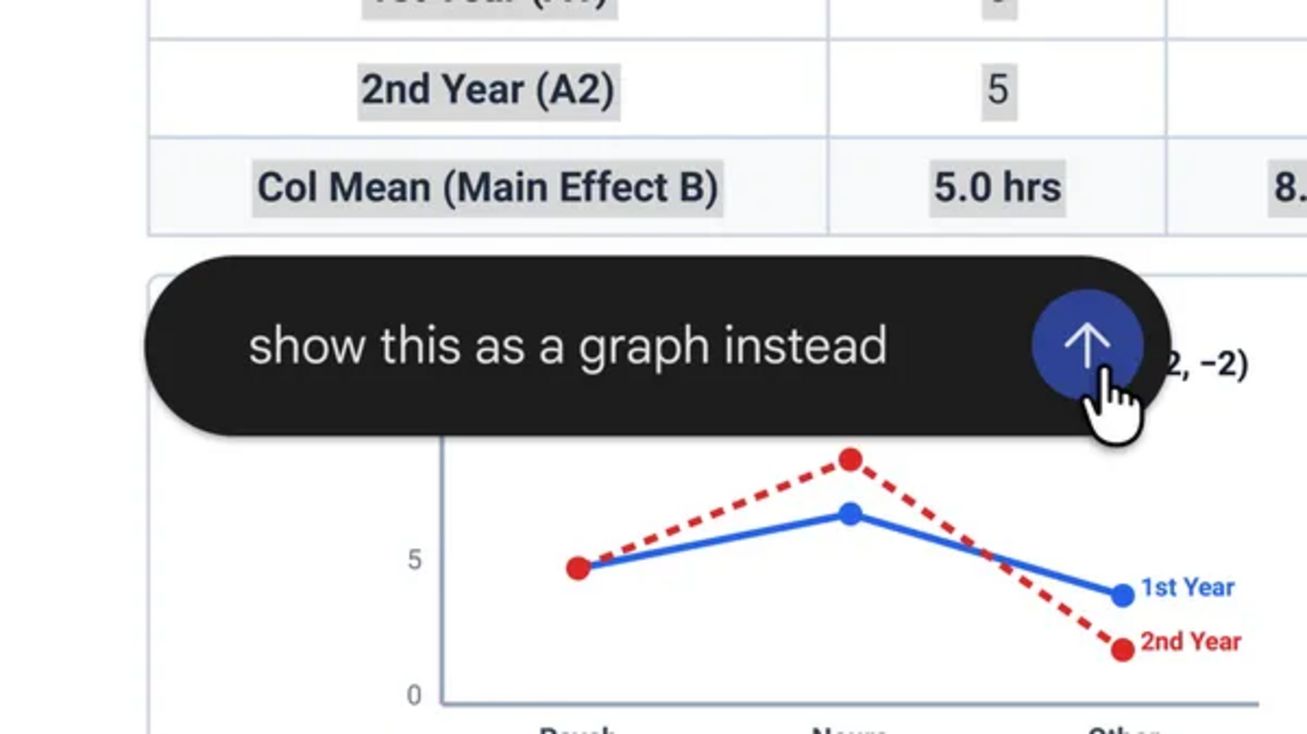
Users can now generate, preview, and edit documents, PDFs, presentations, spreadsheets, code, and more, all while conversing with Gemini. For improved text handling, the interface offers a full-screen mode for direct modifications. Additionally, a text highlighting feature allows users to ask Gemini specific questions about selected content or request direct edits.
The ability to preview and edit PDF files is available across both web and mobile versions of Gemini. Other supported formats, including Google Docs, Google Sheets, slide presentations, Markdown, TXT files, and programming code, are exclusively accessible on the web platform.
For instance, a user could ask Gemini to generate a PDF study guide based on uploaded handwritten lecture notes. Once the document is created, it can be manually edited, with specific sections highlighted for Gemini to refine text or visual elements, or to ask follow-up questions about its content.
These new features are now available to all users in every language supported by the Gemini app.