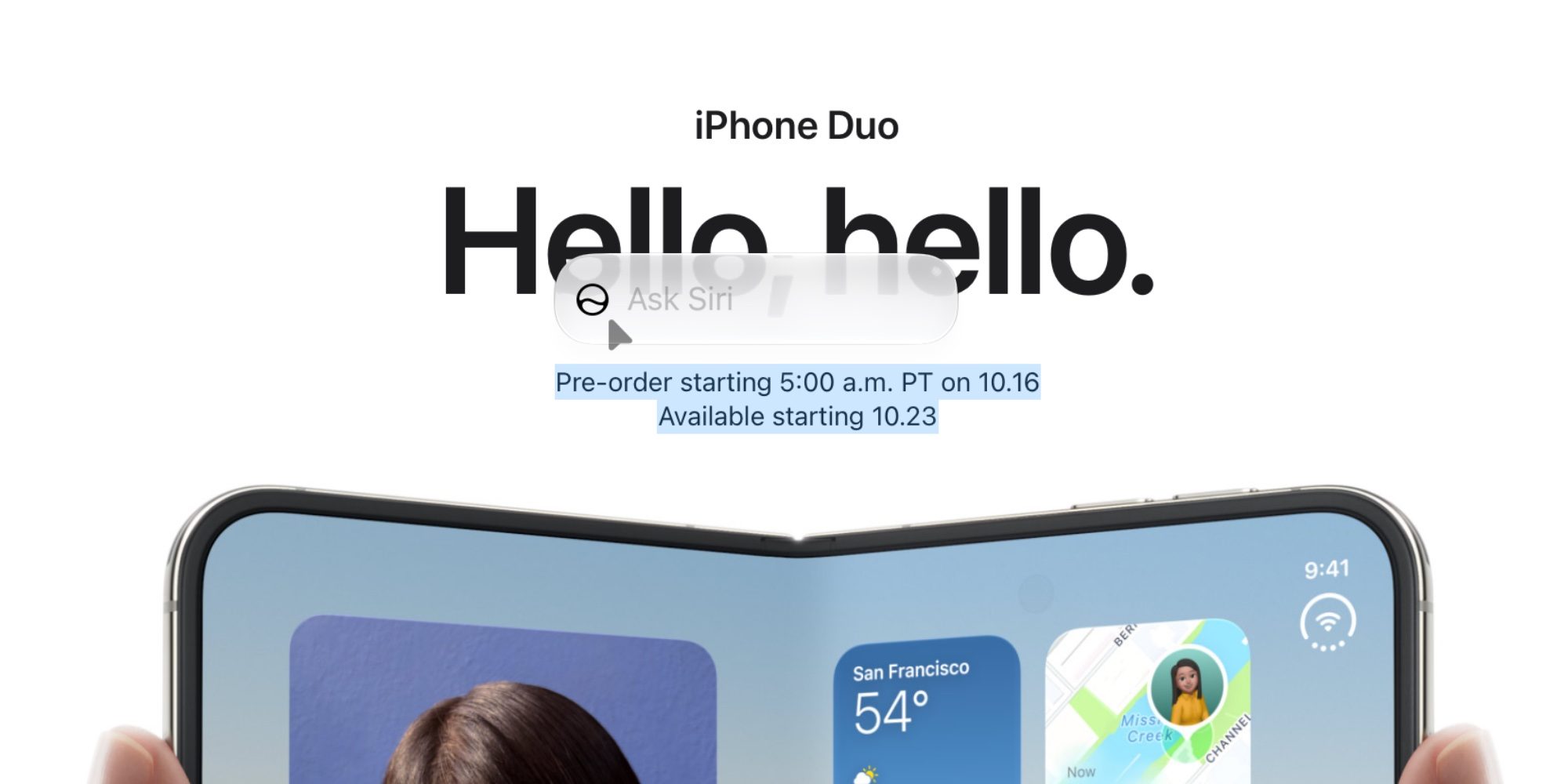
Apple is rolling out a new feature in iPadOS 17.2 Beta 1 that brings a more seamless Siri integration for users connected to a trackpad. Inspired by a similar functionality introduced in macOS Sonoma, this update allows iPad users to activate Siri directly by hovering their cursor over the Siri icon after selecting text.
Siri Activation with Trackpad
Previously, selecting text on an iPad would bring up the standard editing menu, requiring users to tap a Siri option within that menu to initiate a query. With the latest beta, the process is streamlined. When a trackpad is connected to the iPad, users can simply hover their cursor over the Siri icon. This action will prompt an “Ask Siri” text input box to appear, enabling users to type their questions directly into Siri without needing to access a separate menu.
This new interaction mirrors the behavior seen in macOS Sonoma, where Siri icons can be made to expand into input boxes upon hovering, simplifying text-related queries and actions.
User Experience Without a Trackpad
For iPad users who do not have a trackpad connected, the functionality remains as it was. Selecting text will still display the familiar editing menu. Within this menu, the Siri option is available for users to tap, which will then open Siri to handle their request.
Multiple Ways to Access Siri
Beyond this new trackpad-initiated text selection method, iPadOS continues to offer various other ways to access Siri:
- Voice commands: Simply saying “Siri” or “Hey Siri”.
- Screen pull-down: Swiping down from the top of the screen.
- Dedicated Siri app: Opening the standalone Siri application.
- Spotlight search: Using the Command + Space shortcut to launch Spotlight and then posing a question to Siri.
The integration of Siri with text selection via a trackpad in iPadOS 17.2 Beta 1 signifies Apple’s ongoing effort to bridge the gap between iPad and Mac user experiences, offering more desktop-class functionalities on its tablet device. This enhancement is particularly useful for users who leverage their iPad for productivity tasks and rely on external input devices like trackpads.