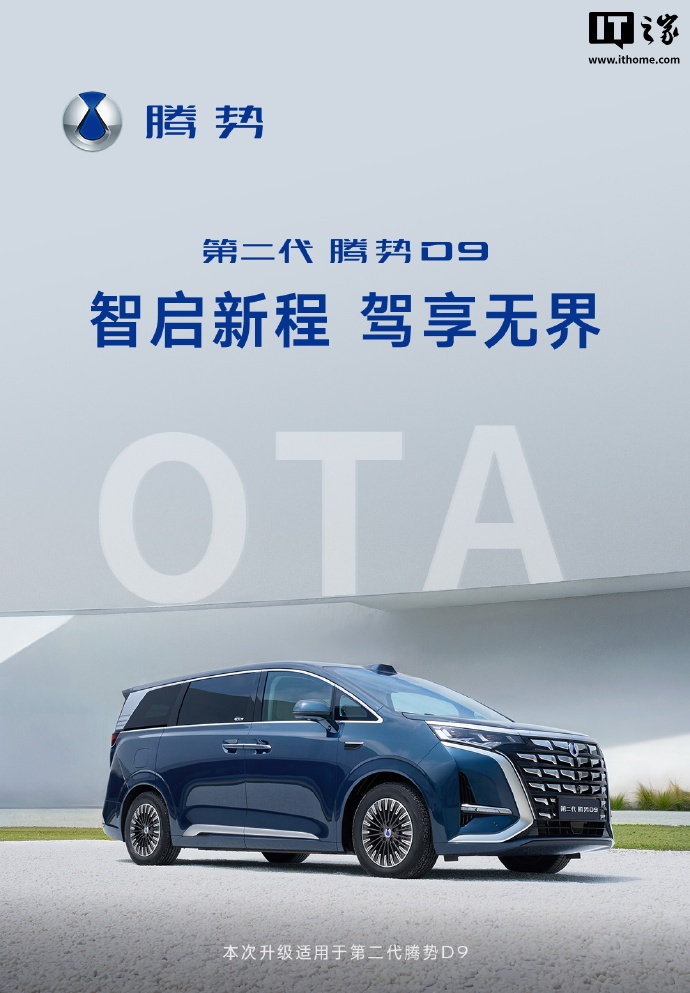
BYD’s Denza brand is rolling out a significant Over-the-Air (OTA) update for its second-generation Denza D9 model, enhancing the vehicle’s smart cockpit, voice interaction, parking efficiency, and safety features. The update introduces over twenty new functions and experience optimizations across seven key areas, including the intelligent cockpit, voice interaction, sentinel security, mobile-to-car connectivity, home-to-car connectivity, and intelligent driving assistance.
Intelligent Cockpit and User Interaction Upgrades
The intelligent cockpit receives a multi-dimensional upgrade. A new ‘Xiao Shi’ digital character feature offers dynamic facial expressions during voice wake-up, making human-machine interaction more emotional and engaging. Additionally, the ‘Magic Cube Loudspeaker’ app allows users to broadcast messages outside the vehicle using external speakers, proving useful for scenarios like passing in narrow roads or during outdoor camping, adding both practicality and safety.
Addressing common pain points in daily driving, the updated infotainment system now includes an active reminder for parking information. The system intelligently records parking details and provides a pop-up reminder before departure, complete with one-click payment functionality directly from the car’s screen. This aims to significantly reduce waiting times when exiting parking lots.
To better balance navigation and communication, users can now choose to enable or disable navigation prompts during phone calls. This flexibility ensures that important navigation information is not missed while safeguarding call privacy. Furthermore, the panoramic imaging interface features a new shortcut for expanding or folding rearview mirrors, allowing for quick retraction when navigating tight spaces to minimize the risk of scrapes.
Enhanced Vehicle Safety Features
In terms of vehicle safety, the sentinel mode for the second-generation Denza D9 has been significantly improved with two key upgrades. Firstly, a scheduled activation and deactivation function allows users to set specific times for the sentinel mode, enabling precise security measures during high-risk periods while conserving battery power. Secondly, a new audio-visual alert system is introduced for high-risk events. When the system detects an abnormal collision or intrusion, it simultaneously triggers an audible and visual alarm, shifting from passive recording to active warning.
Seamless Ecosystem Integration
The update also strengthens connectivity with major smartphone manufacturers. For OPPO users, a new walk-and-continue navigation feature is available. After parking, the remaining walking route is automatically pushed to the phone’s map, enabling a seamless transition from car to foot. For vivo users, three new features are introduced: NFC ‘tap-to-connect’ via the smart button, integrated voice control, and file transfer. This allows for easy sharing of addresses, images, and videos between the car and phone, and voice control of music, apps, and payments on the phone.
In-car entertainment sees the addition of iQiyi’s cross-screen playback, allowing users to long-press a movie poster to share it to other screens. The customizable themes now include music wallpapers, enriching the cabin’s visual experience. The range of connected IoT devices continues to expand, with new additions including pet safety seats, Ninebot electric scooters, car air purifiers, car vacuum cleaners, lumbar massagers, and dual-use portable refrigerators.
Home-to-car connectivity is enhanced with support for remote control of Hisense and TCL brand air conditioners. The smart IoT app mall also now supports points-based payments.
Navigation and Parking Assistance Improvements
Navigation functions have been refined with the addition of detour time and distance information in route search results. When searching for charging stations, the system intelligently recommends nearby supercharging stations and offers quick filtering options. Parking assistance now remembers the user’s preferred parking spot selection, retaining the choice if the user exits and re-enters the parking function without moving the vehicle.
Intelligent Driving and UI Enhancements
The official statement indicates that the performance and stability of the intelligent driving assistance system have been further improved in this update. The underlying DiLink intelligent cockpit UI has undergone a comprehensive upgrade, featuring adjusted page layouts and optimized dynamic effects for a smoother and more intuitive user experience. The 3/7 split-screen switching strategy has also been redesigned; users can now call up the split-screen list by tapping the horizontal bar at the top of a window, significantly improving operational efficiency.
Update Recommendations
Denza advises owners that the OTA update will be rolled out in batches nationwide and will not consume user data. It is recommended to schedule the update and allow ample time. Before updating, ensure the vehicle is parked on a level surface with a good network signal, battery level above 20%, and all doors and the hood closed. Temporary screen blackouts, the illumination of driving lights, or dashboard prompts during the update process are normal and should not be interrupted.