Microsoft is rolling out new preview builds to Windows Insiders, focusing on significant enhancements to the Windows Search experience and improvements within the Xbox Game Bar. Insiders in the Beta and Experimental channels are invited to test these updates for Windows 11 versions 25H2 and 26H2.
Beta Channel: Windows 11 Build 26220.9836 (25H2)
For those in the Beta channel testing Windows 11 25H2, the latest build brings several notable changes:
Security Enhancements
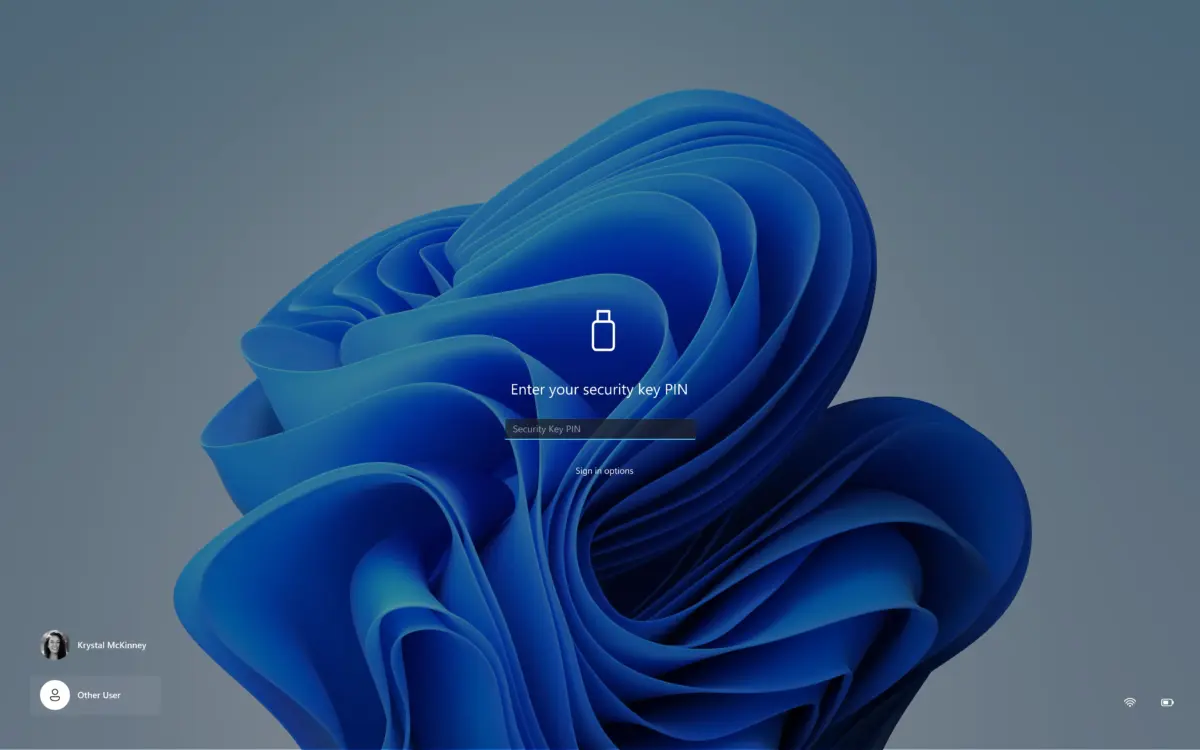
The PIN entry interface for security keys has been redesigned, removing the “Other users” icon for a more streamlined and intuitive login process.
Granular App Permissions
A key privacy improvement allows users to manage camera, microphone, and location access permissions for individual classic desktop applications. Previously, these permissions were controlled by a unified setting. Now, users can view and manage access for each app separately, offering greater transparency and control over sensitive data. This change affects new permission requests and allows existing settings to remain unchanged.
Personalization and Accessibility Fixes
- A bug causing system crashes and desktop background resets when adjusting mouse settings has been resolved.
- A new “Magnifier keyboard shortcut” toggle has been added in Settings > Accessibility > Magnifier, allowing users to enable or disable the Win + + shortcut for launching Magnifier.
File Explorer and Narrator Improvements
- The “Featured” section in the File Explorer home has improved thumbnail details for better clarity.
- Narrator’s voice recognition now supports more languages (Hungarian, Vietnamese, Greek, Indonesian, Norwegian, Polish, Russian, and Swedish) for recognizing and reading mathematical formulas and expressions.
Window Design Update
Microsoft has temporarily reverted to the legacy loading indicator for critical system scenarios like startup, login, restart, shutdown, and updates to address existing issues. The new indicator is expected to return soon.
Experimental Channel: Windows 11 Build 26340.9843 (26H2)
The Experimental channel receives more cutting-edge features, particularly an expanded new Windows Search experience and gaming enhancements:
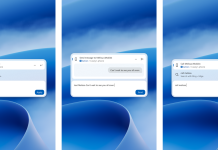
Expanded Windows Search Experience
Building on earlier previews, this update further enhances the new Windows Search, allowing users to perform more actions directly from the search interface:
- Inline Actions: Users can now adjust volume, screen brightness, and cursor size directly via inline sliders within search results. More recommended actions are also presented to help users discover new features.
- Phone Link Integration: With a connected supported phone (Android currently, iPhone support coming early next year), users can make calls, send texts, and manage “Do Not Disturb” settings directly from Windows Search.
- Richer Search Results: The search now offers file previews, details like last modified date and author, and direct web answers for weather, stocks, and general knowledge queries. Microsoft Store app and game results are also integrated and can be managed in privacy settings.
- Result Filtering: Enhanced filtering options allow users to scroll through more results and filter by categories like “Files and folders,” “Settings,” and “Actions” for quicker navigation.
- Feedback Controls: Users can provide feedback on search results by right-clicking and using thumbs up/down options. Initial search views can also be customized by removing unwanted items.
It’s important to note that the new Windows Search defaults to the centered taskbar position, and Microsoft is actively developing adaptations for different taskbar placements and Start menu integration.
Gaming Enhancements
The Xbox Game Bar’s Game Mode now includes a quick settings feature, providing access to essential Windows taskbar toggles without leaving the game mode interface.
Settings App Updates
- Microsoft 365 Family Cloud Storage: The Settings app now displays total cloud storage usage for Microsoft 365 Family subscriptions. Future updates will include per-member storage breakdowns. This feature will be available for subscriptions purchased after October 8, 2026, or after the first renewal for older subscriptions (May 2, 2027).
- Microsoft 365 Plan Upgrades: Eligible Microsoft 365 Preview users can now browse and upgrade subscription plans directly within the Settings app via an integrated dialog, eliminating the need to open a web browser.
Known Issues
Developers are investigating a report where the CPU clock speed indicator in Task Manager is not updating in real-time after installing the latest build.