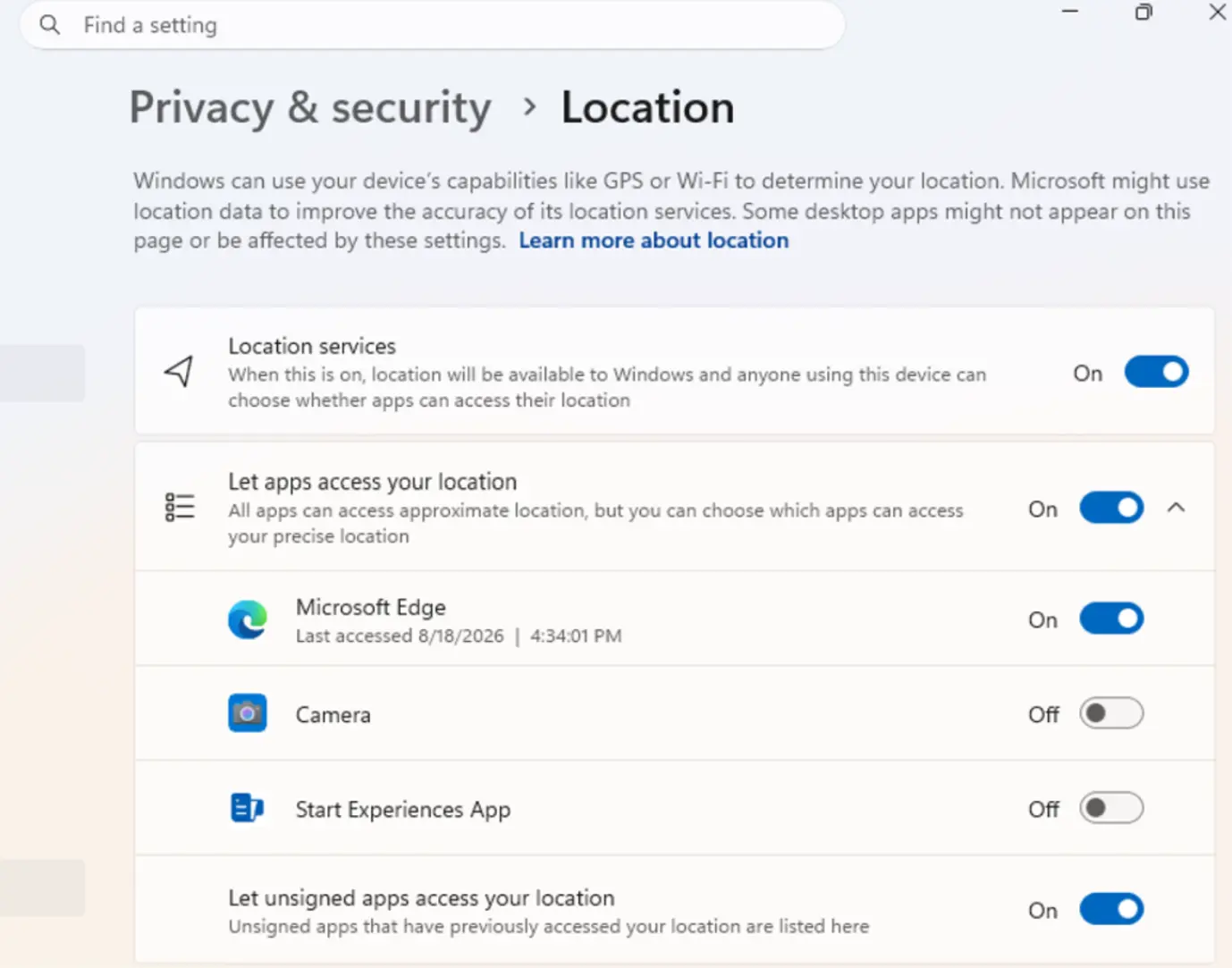
Microsoft is rolling out enhanced privacy controls in recent Windows 11 Insider Preview builds, allowing users to manage camera, microphone, and location permissions on a per-application basis. This move marks a significant departure from the previous system-wide toggles, offering more granular and transparent privacy management.
Finer Control Over Sensitive Data
Previously, managing access to sensitive hardware like cameras and microphones, or features like location tracking, meant relying on broad device-level settings. This often left users uncertain about which specific desktop application was accessing their data. If a user wanted to revoke camera access, they had to disable it for all applications, which could disrupt the functionality of other legitimate programs.
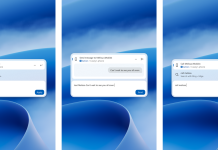
The latest preview builds, specifically Windows 11 25H2 Beta 26220.9836 and Windows 11 Experimental (Future Platforms) Build 29698.1000, introduce the ability to individually control these permissions for traditional desktop applications. Users can now review the access history for each app regarding their camera, microphone, and location, and choose to allow or deny these requests on a case-by-case basis.
Enhanced Privacy and User Transparency
According to Microsoft’s official release notes and reports from media outlets like NeoWin, the goal of this update is to provide users with a clearer understanding of which applications are requesting access to sensitive resources. This initiative aims to deliver a more intuitive and detailed privacy management experience, empowering users to take greater control over their personal information.
This update is currently available to members of the Windows Insider Program who have opted into the Beta and Experimental channels. It addresses a long-standing user request for more precise control over app permissions, moving Windows privacy settings closer to the granular management already available for UWP (Universal Windows Platform) apps.
What This Means for Users
For the average user, this means:
- Increased Security: Better ability to prevent unauthorized access to sensitive hardware like webcams and microphones.
- Improved Privacy: More control over which applications can track location or access personal data.
- Greater Transparency: Clearer insights into app behavior and data access requests.
- Reduced Disruption: The ability to manage permissions for individual apps without affecting others.
Looking Ahead
While these features are currently in preview, their inclusion in future Windows 11 releases is highly anticipated. This development signifies Microsoft’s ongoing commitment to bolstering user privacy and security in its operating system. As more users become aware of app permissions and their implications, granular controls become increasingly essential for building trust and providing a secure computing environment.
The rollout of these refined privacy controls underscores a broader industry trend towards more user-centric data management. By empowering users with more specific controls, Microsoft aims to enhance the overall Windows experience, making it safer and more transparent for everyone.