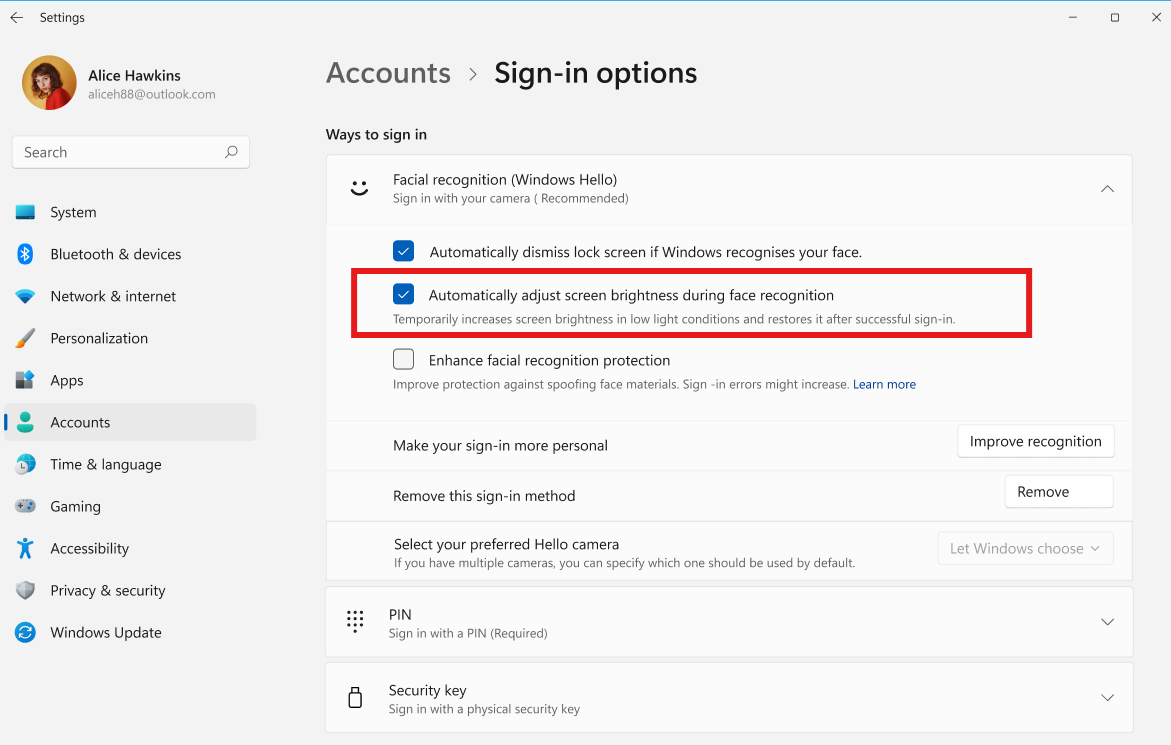
Microsoft is rolling out a significant enhancement to the Windows Hello sign-in experience in the latest Windows 11 preview build, focusing on convenience and faster access. The Experimental channel build, Windows 11 Build 26340.9882, now allows users to seamlessly interact with facial recognition and PIN entry simultaneously, a departure from previous iterations where the PIN option was often hidden.
Unified Sign-in Screen
Previously, users initiating Windows Hello facial recognition in Windows 11 would typically find the PIN input field tucked away behind a ‘Sign-in options’ menu. This often meant waiting for facial recognition to fail or clicking through extra steps to manually enter a PIN. The new approach, as observed in Windows Latest’s testing, presents the PIN input box concurrently with the camera scanning for facial recognition.
The on-screen prompt now reads, ‘Look at the camera or enter PIN,’ offering users the flexibility to proceed with the method that works best for them at that moment. This change aims to reduce friction and expedite the login process, especially in situations where facial recognition might be momentarily obstructed or less responsive.
Enhanced Biometric Integration
For devices equipped with multiple biometric authentication methods, such as fingerprint readers and infrared cameras, the updated preview build further refines the experience. These devices can now present various login options on a single screen, allowing users to choose between face, fingerprint, or PIN entry without navigating through separate menus.
Testing on a Lenovo laptop with an infrared camera confirmed that this new interface appears without requiring registry edits or third-party tools. Furthermore, the build introduces a more direct retry option for facial recognition if the initial scan is unsuccessful, labelled simply ‘Retry Face sign-in’.
Security Considerations Remain
Despite the added convenience, Microsoft has maintained essential security protocols. The preview build still adheres to the Windows 11 security measure that requires users to enter their PIN first after a device restart. This is a standard practice to ensure the integrity of the sign-in process following a full system reboot.
Broader Context and Previous Reports
This development is part of Microsoft’s ongoing efforts to simplify and improve the Windows 11 login experience. Previous reports indicated that the company was testing ways to allow face, fingerprint, and PIN login methods to be available simultaneously, eliminating the need for manual switching. Today’s preview build demonstrates tangible progress in this direction.
The introduction of these changes in a preview build suggests that Microsoft is gathering user feedback and performing final tests before a wider rollout. Users who are part of the Windows Insider Program’s Experimental channel can experience these improvements firsthand and contribute to their refinement.