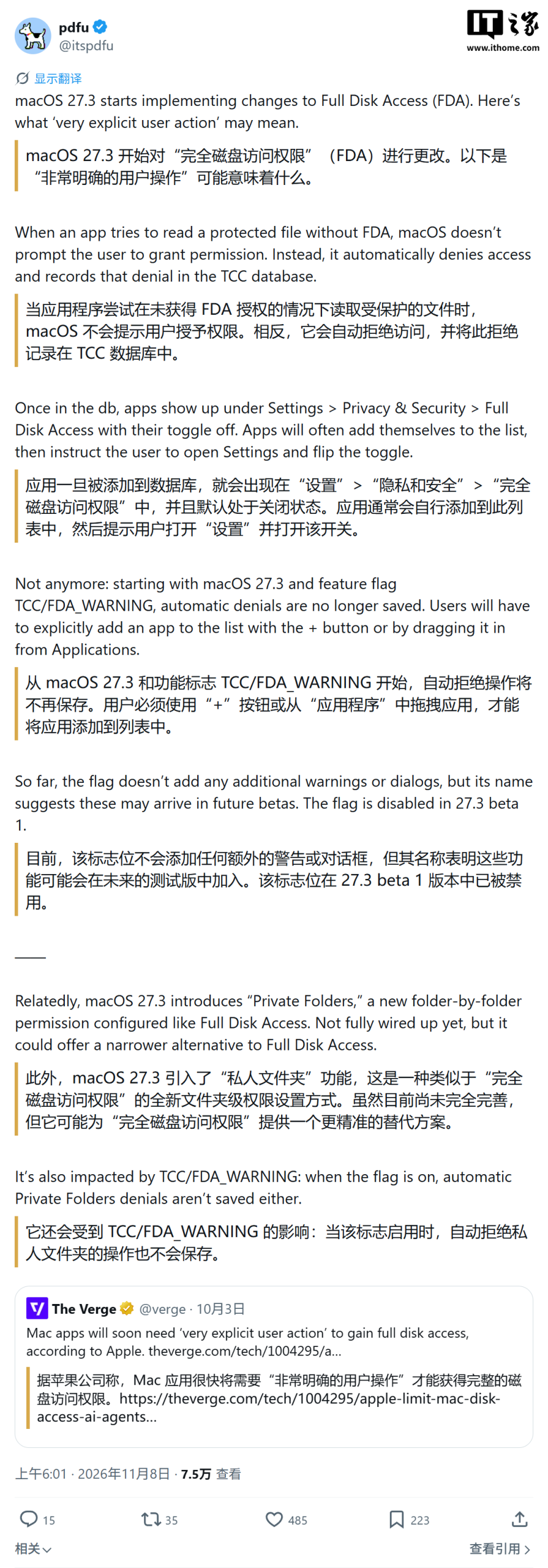
Apple appears to be introducing a significant privacy enhancement in an upcoming macOS update, with early developer previews of macOS 27.3 hinting at stricter controls over application disk access. According to a report originating from a tweet by @itspdfu on November 8th, the first developer beta of macOS 27.3 includes changes that will prevent applications from automatically appearing in the ‘Full Disk Access’ list.
Understanding Full Disk Access
The ‘Full Disk Access’ permission is a powerful setting that grants applications the ability to read and modify a vast array of files on a user’s Mac. This includes sensitive data and protected system files that are typically off-limits to standard applications. While essential for certain types of software, such as backup utilities and antivirus programs, granting this permission to untrusted applications poses a significant risk of sensitive information leakage.
The Current Mechanism
Under the current macOS system, when an unauthorized application attempts to access protected files, the system denies the request. However, instead of a complete roadblock, macOS adds the application to the ‘Full Disk Access’ list, albeit with the permission toggled off. The system then prompts the user to navigate to System Settings to manually enable this access. This process, while requiring user intervention, still allows for a degree of automation in bringing the permission setting to the user’s attention.
Changes in macOS 27.3
The forthcoming changes in macOS 27.3 aim to further strengthen user control and privacy. The new mechanism will reportedly stop applications from automatically populating the ‘Full Disk Access’ list. This means that users will no longer find applications pre-emptively added to this sensitive permission list after an attempted access.
Instead, users will need to take a more active role. To grant an application Full Disk Access, users will reportedly have to manually add the application to the list. This can be done either by clicking the ‘+’ button within the privacy settings or by dragging and dropping the application’s icon into the designated area. Only after this explicit manual action will the application be able to be authorized.
Enhanced User Control and Security
This shift in approach is not intended to prohibit granting Full Disk Access but rather to enforce a more deliberate and conscious decision from the user. By requiring a direct, manual step, Apple is reinforcing the principle of user control over their data and system security. This added layer of user interaction is designed to mitigate the risk of users inadvertently granting extensive permissions to potentially malicious or untrustworthy software.
While the exact rollout and implementation details are still emerging from developer previews, this change signifies Apple’s continued commitment to enhancing privacy features within macOS. Users who rely on applications requiring Full Disk Access, such as disk management tools or specialized productivity software, will need to be aware of this change and proactively manage their application permissions accordingly once macOS 27.3 becomes generally available.