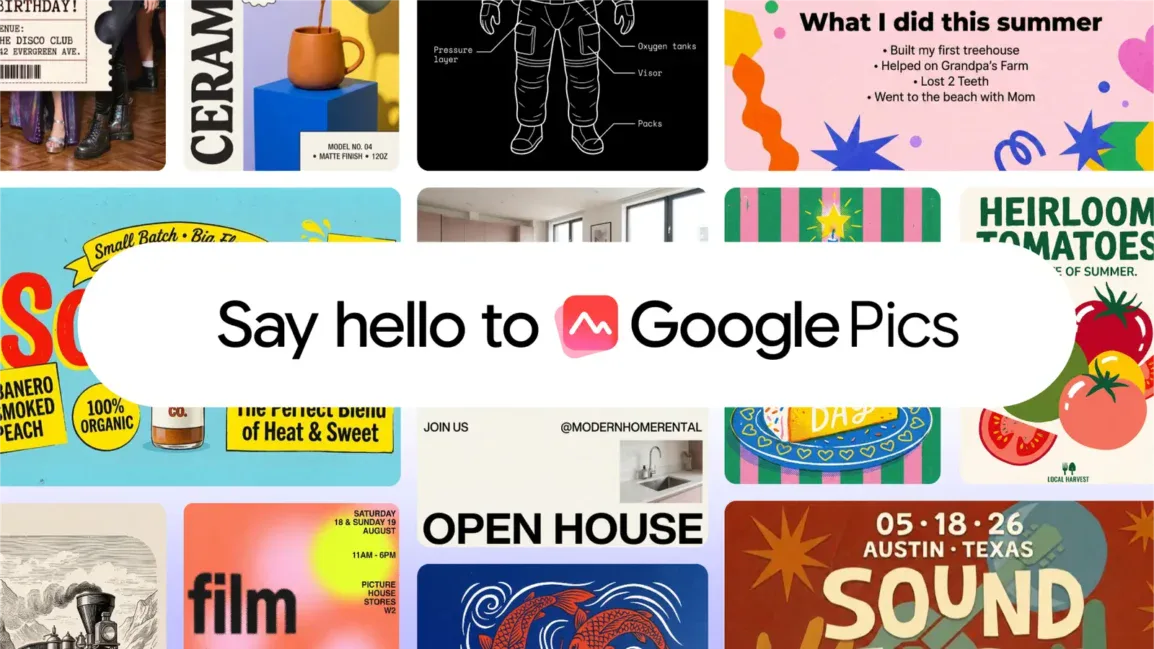
Google has officially launched its AI-powered image design and editing tool, Google Pics. Announced via a blog post on September 1st, the tool is accessible through a web interface at pics.new and is now integrated directly into Google Docs and Google Slides, allowing users to seamlessly edit visuals within their existing workflows.
From I/O to Integration
First previewed at Google I/O in May 2026, Google Pics was initially presented as a versatile tool for creating visual content such as event invitations and posters. The technology is powered by the Nano Banana image generation model.
Accessibility for All Users
Individual users can access Google Pics through their Google AI Pro, Google AI Ultra, and Google AI Pro for Education accounts. For enterprise users, access will be progressively rolled out to Workspace Business Standard, Business Plus, Enterprise Standard, and Enterprise Plus plans.
Flexible Design and Editing
Google Pics streamlines the design process by not requiring users to start from scratch. You can generate images using text prompts or upload existing assets for modification. The tool supports importing files from your local storage, Google Drive, and Google Photos.
Seamless Workflow Integration
A key feature is the direct integration within Google Docs and Slides. Users can click on an existing image within these applications to open the Pics editor in an overlay interface, eliminating the need to switch tabs. Future updates, expected in the coming weeks, will enable users to drag and drop files directly from Google Drive into Pics.
Advanced Editing Capabilities
Google Pics boasts precise object segmentation, allowing users to select individual objects within an image. These selected objects can then be independently moved, resized, or restyled without significantly affecting the surrounding background. The tool also offers advanced text manipulation features. Users can edit existing text, translate it into different languages, all while preserving the original font and visual layout.
Collaboration and High-Resolution Output
Further enhancing its utility, Google Pics supports batch editing for efficient processing of multiple images. It also enables real-time collaboration, making it easier for teams to work on visual projects together. The tool is capable of enhancing images to resolutions of up to 2K or 4K, ensuring high-quality output for various applications.