Google is making it easier for users to switch to its AI assistant, Gemini. The company has introduced a new feature that allows individuals to transfer their context, settings, and chat history from other AI assistants directly into Gemini, eliminating the need to start from scratch.
This functionality aims to provide a seamless transition for users who are considering moving from their current AI chatbot to Gemini. The process for migrating chat history involves a few straightforward steps:
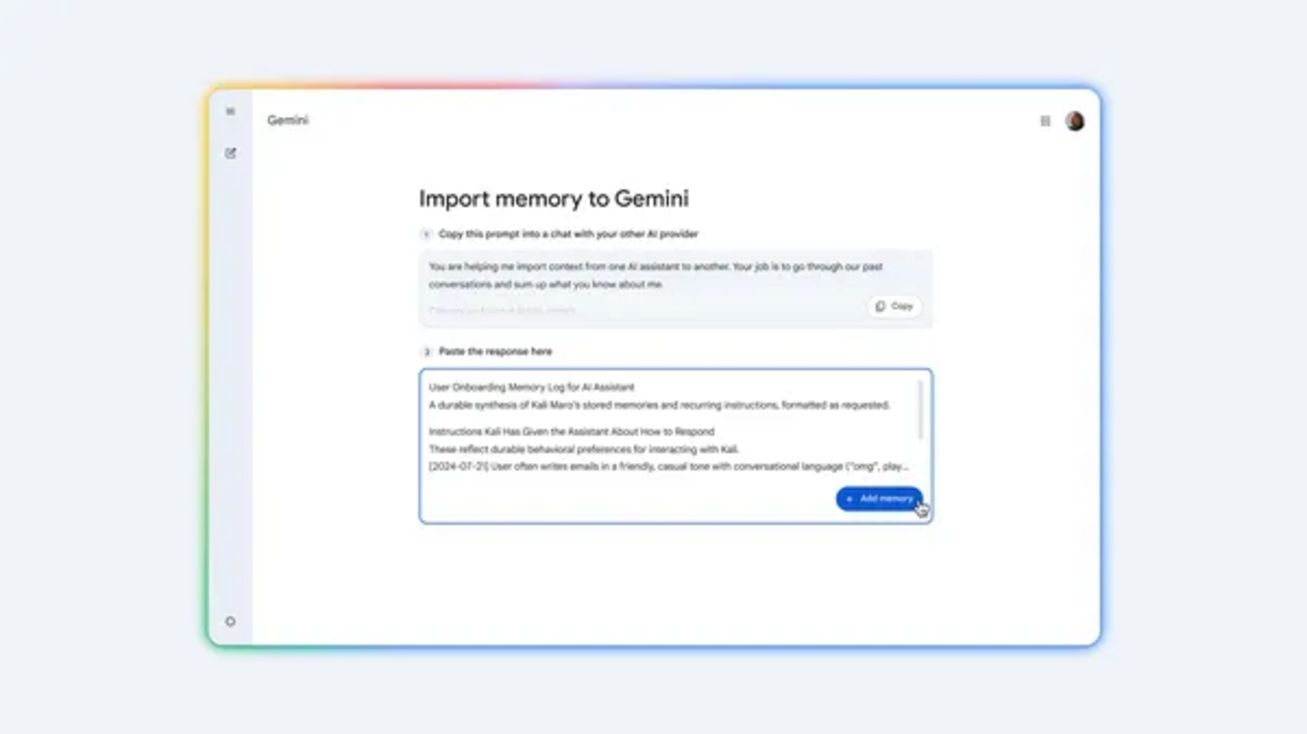
- Step 1: Navigate to Gemini’s import settings at gemini.google.com/import-memory/ and copy the provided prompt.
- Step 2: Paste the copied prompt into your previous AI tool to generate a summary of your settings and preferences.
- Step 3: Insert the generated response into Gemini.
- Step 4: Export your conversation history from your previous AI provider’s account as a ZIP archive.
- Step 5: Upload the ZIP archive within Gemini’s settings to pick up your conversations right where you left off.
With this new option, users can quickly adapt to Gemini while preserving all their crucial information and continuing their AI interactions without losing context.