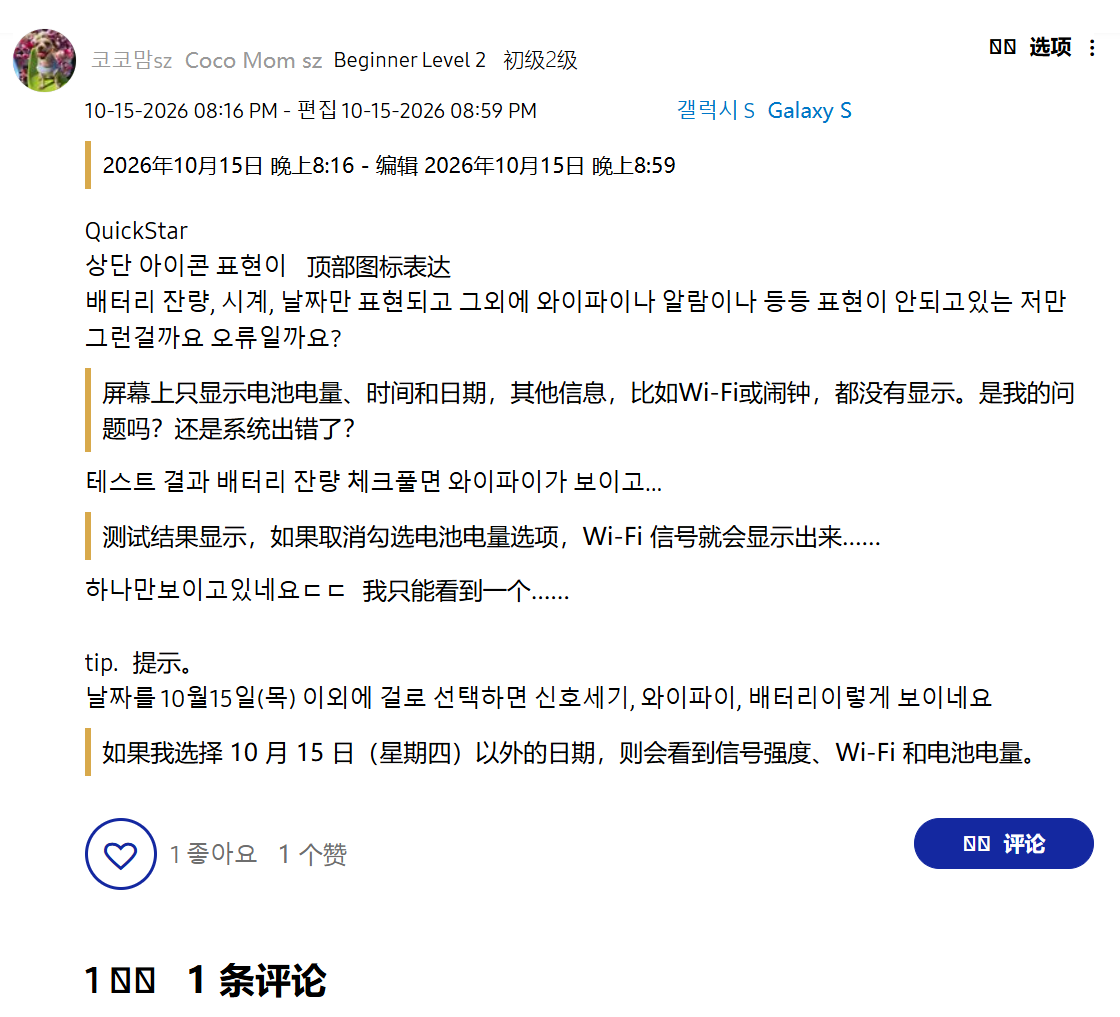
Samsung has officially acknowledged a bug within its latest One UI 9 stable update that is causing status bar icons to behave erratically for some users. The issue specifically arises when the QuickStar module, part of Samsung’s Good Lock customization suite, is used to customize the status bar.
What is the Problem?
The Good Lock application suite allows Samsung users to personalize various aspects of their Galaxy devices, with QuickStar focusing on the status bar and the quick settings panel. It enables users to control what appears on their screen’s top edge, including clock placement and quick settings layout.
However, following the One UI 9 stable update, users who have employed QuickStar to tweak their status bar have reported unexpected behavior. For instance, turning on ‘Do Not Disturb’ mode, which should hide system icons, has led to the Wi-Fi icon reappearing. Conversely, disabling the network indicator sometimes causes the Wi-Fi icon to vanish entirely.
Samsung’s Response
The Samsung Good Lock support team has confirmed the issue, stating that developers are aware of the problem where system icons are not responding correctly to user toggles in certain scenarios.
“The development team has confirmed this issue, involving the abnormal behavior of system icons when users turn on or off certain system icons in some cases.”
Unfortunately, a fix is not immediately available. Samsung indicated that resolving the bug requires modifications to the underlying platform software, which necessitates further review. As a result, the company could not provide a specific timeline for when a patch will be released to address this status bar icon glitch.
What Does This Mean for Users?
For users experiencing this bug, the immediate impact is primarily an inconvenience and a disruption to the intended customization. While the core functionality of their devices remains unaffected, the visual inconsistency in the status bar can be frustrating, especially for those who value detailed control over their phone’s interface.
The Good Lock suite is a popular tool for power users who enjoy fine-tuning their Galaxy experience. Bugs like this, even if cosmetic, can erode confidence in the stability of software updates and customization tools. Samsung’s transparency in acknowledging the issue is a positive step, but the lack of a timeline highlights the complexity of fixing such deep-seated software problems.
Users are advised to keep their Good Lock modules and One UI updated, as Samsung will likely release a fix through a future software update once it has completed its internal review process. In the meantime, users experiencing the issue may need to temporarily disable QuickStar customizations or live with the occasional icon anomaly.