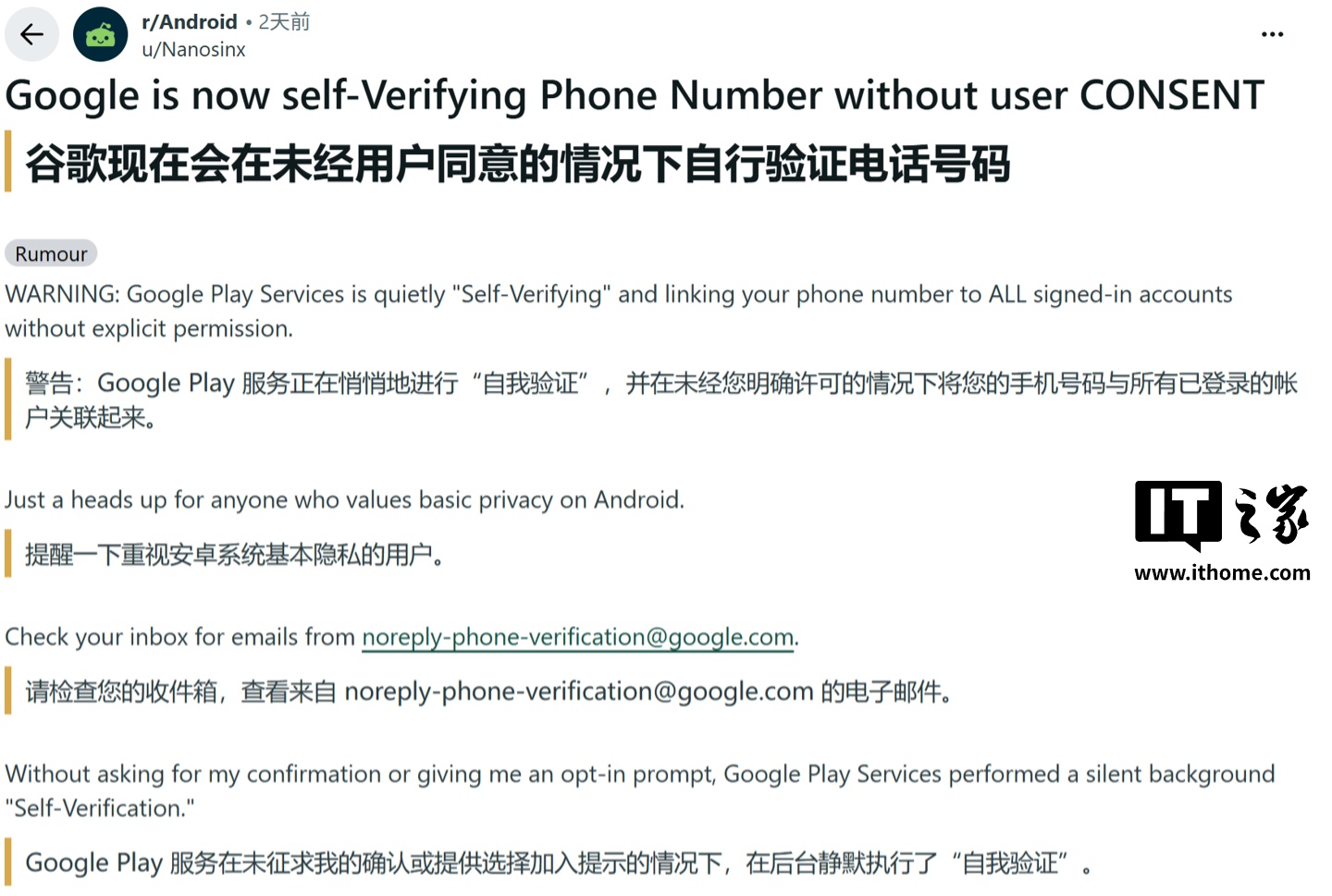
A recent default setting in Android, dubbed “phone number verification,” is raising privacy alarms among users, according to a report by Android Authority. The feature, which appears to be enabled by default, automatically links multiple Google accounts signed into an Android device to a single phone number without explicit user consent or a clear, separate confirmation prompt.
Reports indicate that some users discovered their phone numbers had been verified and associated with various accounts – including personal secondary accounts, work profiles, and backup accounts – after receiving verification emails from a noreply-phone-verification@google.com address. This discovery came as a surprise to many who had not actively sought to link these disparate accounts.
Google’s support documentation suggests the purpose of this feature is to periodically verify the device’s phone number, thereby enhancing communication capabilities and facilitating account recovery. For the average user, this automation could offer a smoother experience when switching devices, recovering forgotten passwords, or logging into various Google services, as the system can more easily identify the user.
Privacy Implications and User Control
However, the default activation of this feature presents significant privacy risks for users who intentionally maintain a separation between their professional and personal lives, or for those who manage multiple accounts for specific reasons and wish to minimize the cross-linking of their personal information. The automatic association means a single phone number could inadvertently become a central point of identification across all linked Google accounts, potentially exposing a broader digital footprint than intended.
Fortunately, users can take steps to manage this setting. On an Android phone, the “automatic phone number verification” can be disabled by navigating to Settings → Google → All services → Privacy & security → Phone number verification. Disabling this switch prevents future automatic associations.
It’s important to note that deactivating the automatic verification does not sever existing links. If a phone number has already been associated with secondary or work accounts, users must manually remove it by visiting each individual Google account’s settings. This is typically found under the Personal info → Contact info → Phone section within each account’s management page.
Potential Glitches and Ongoing Verification
Some users have also reported encountering an issue where the toggle switch for automatic verification appears to reset itself to the ‘on’ position after returning to the settings page. While Android Authority was unable to reproduce this specific problem and has reached out to Google for clarification, it highlights potential inconsistencies in the user interface or the feature’s implementation. This ongoing situation underscores the need for users to remain vigilant about their privacy settings and to periodically check how their information is being managed across different services.
The core issue remains the default opt-out nature of this privacy-sensitive feature, which contradicts the growing user demand for greater control over personal data and its interconnectedness across online platforms.