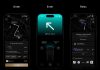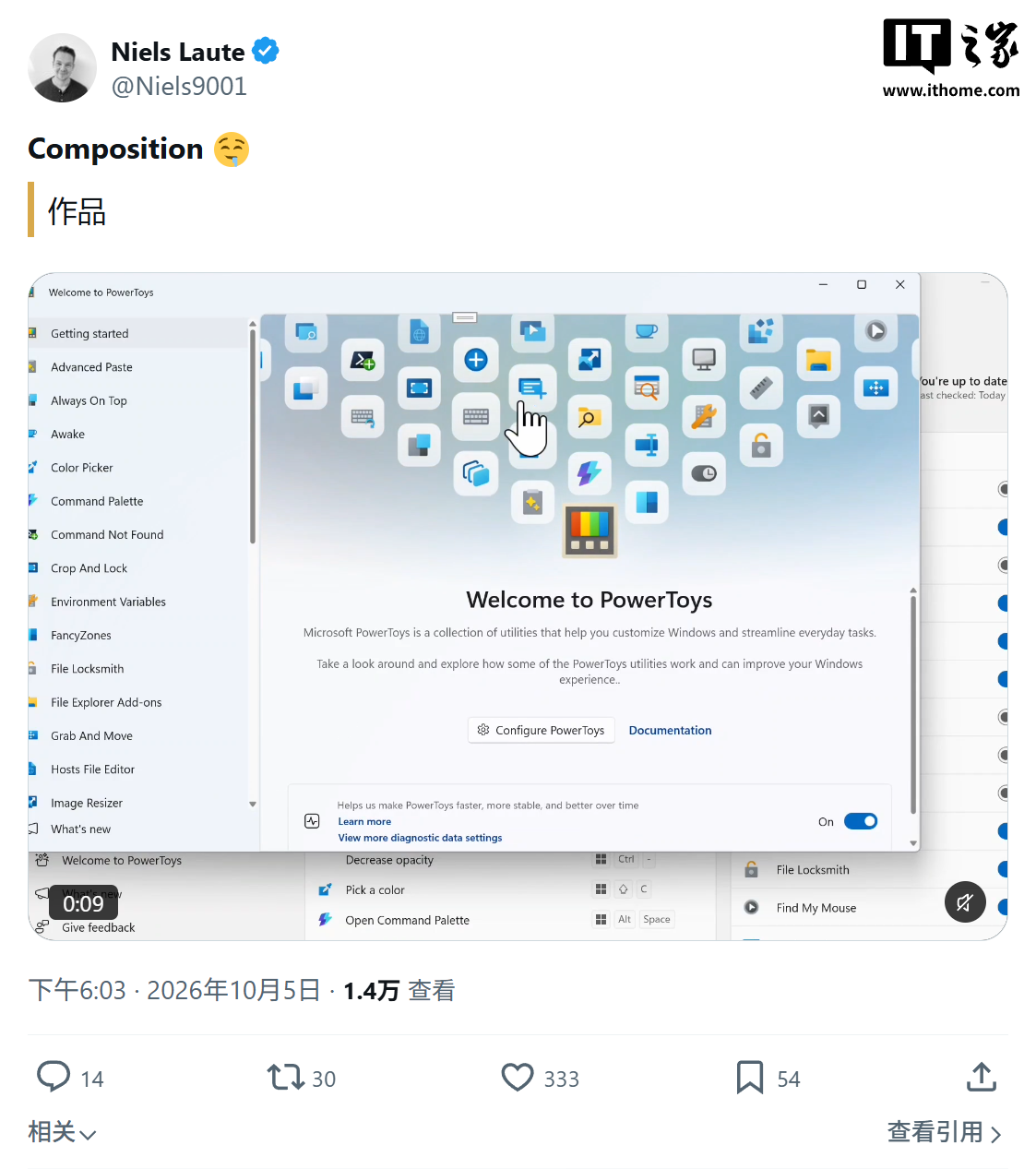
Microsoft’s popular productivity suite for Windows, PowerToys, is set to receive a significant visual upgrade with a brand-new welcome screen. Product Manager Niels Laute announced on X (formerly Twitter) on October 5th that this new interface will feature a fluid 60 FPS animation, promising a responsive and visually engaging experience for users.
Leveraging Windows Composition for Fluidity
Niels Laute, who is currently leading the efforts for PowerToys and WinUI, revealed that the new welcome screen is built upon Windows Composition technology. This underlying technology, a key component of WinUI, empowers developers to create sophisticated visual effects and manipulate UI elements with great precision.
In a detailed explanation on GitHub, Laute elaborated on the animation, codenamed ‘Warp’. This animation is designed to replace the static main image typically seen on the PowerToys welcome screen during the Out-of-Box Experience (OOBE). Instead, users will be greeted with an interactive animated scene rendered using Windows Composition.
The ‘Warp’ Animation: A Detailed Look
The ‘Warp’ animation unfolds over approximately 2 seconds and is meticulously timed, utilizing Composition’s capabilities to schedule frames within a single cycle, eliminating the need for traditional timers. The sequence is quite captivating:
- Icon Entry: 35 distinct tool icons dramatically fly in from the depths behind the main logo, presented with a 3D perspective. Each icon leaves a trail of light in a color consistent with the PowerToys brand.
- Cosmic Flourish: Simultaneously, around 70 neutral-colored stars drift past the viewer’s perspective, adding a dynamic, almost celestial feel.
- Logo Impact: The PowerToys logo then dramatically drops into the scene at 2.6 times its normal scale, creating an impact that triggers a flash of white light, a burst of branded luminescence, and the emergence of a light dome.
- Information Unveiling: Following this climax, the title, description, and action cards gracefully float into view, presenting users with the essential information and next steps.
Seamless Transitions for Returning Users
For first-time users encountering the welcome screen, the full version of the ‘Warp’ animation will play. However, for subsequent visits, PowerToys will present a simplified, stabilized animation lasting approximately 450 milliseconds. This ensures a quicker access to the tools for users who are already familiar with the interface.
Furthermore, the new welcome screen is designed to be responsive to system settings. If a user has disabled ‘Animate controls and elements inside windows’ in their Windows system settings, the scene will immediately render in its final state, skipping any animations, tilts, or zooms. This ensures a consistent and accessible experience across different user preferences.
This visual refresh highlights Microsoft’s ongoing commitment to enhancing the user experience and the overall polish of its PowerToys utilities. The introduction of the ‘Warp’ animation is expected to make the initial interaction with PowerToys more memorable and engaging, setting a positive tone for users exploring the suite’s powerful tools.