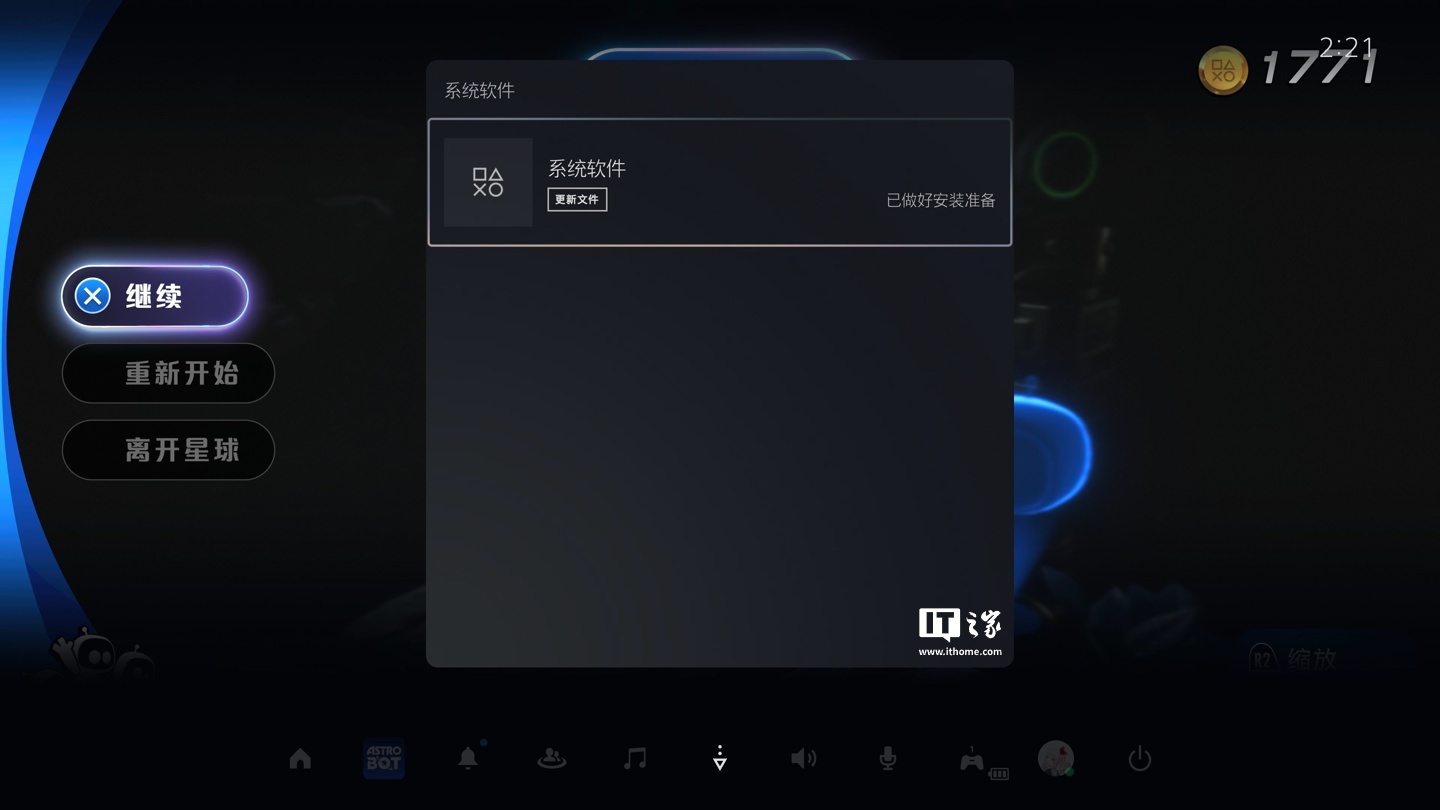
Sony has rolled out a new system update for its PlayStation 5 console, bringing version 26.06-14.00.00 to users. This latest update introduces several new functionalities, most notably enhancing the capabilities of the upcoming PS5 Pro model by enabling an improved PlayStation Spectral Super Resolution (PSSR) image quality setting by default. This aims to deliver a sharper and more refined gaming visual experience for players.
Enhanced PSSR for PS5 Pro
The highlight of this update is the default activation of the enhanced PSSR image quality setting for the PS5 Pro. PSSR is Sony’s proprietary AI-powered upscaling technology designed for the PS5 Pro. It utilizes machine learning to analyze game frames, effectively upscaling lower-resolution visuals to higher resolutions. This technology promises to boost image quality without placing additional strain on the GPU’s 3D rendering capabilities, potentially allowing games to achieve both 4K resolution and 60 FPS frame rates simultaneously.
According to the update notes, this enhanced PSSR will even be applicable to games that previously only supported the older version of PSSR, ensuring broader compatibility and improved visuals across a wider range of titles. Users can find this setting under Settings > Screen and Video > Video Output > Enhanced PSSR Image Quality. While it’s enabled by default for PS5 Pro, users can choose to disable it if they prefer.
New Voice Chat and Community Features
Beyond graphical enhancements, the update brings notable improvements to social and community interaction on the PS5. Players will now be able to see who is speaking during voice chats. This feature can be accessed through the voice chat card in the control center, where users can opt to display speaker indicators and choose their preferred on-screen position for these indicators.
Additionally, a new ‘Community Activities’ widget has been added to the Welcome Center. This widget offers two views to help players discover and engage with the gaming community:
- Trending Now: This view highlights the ten most rapidly growing multiplayer games or modes, along with recently released titles or those that have received significant content updates.
- Top Ten: This list showcases the ten most popular games in the player’s specific country or region over the past week, helping users find active communities to join.
Bluetooth Setting and Performance Optimizations
The update also includes changes to specific regional settings for both PS5 and PS5 Pro consoles. Notably, a new option allows users in certain regions to turn off Bluetooth via Settings > Accessories > Controller > Advanced Settings. This feature is intended for specific use cases, such as managing controller connections in esports venues, and the console will not enter standby mode or utilize HDMI device linking if Bluetooth is turned off. Users are advised not to use this function for any other purpose.
Finally, Sony continues its commitment to stability and performance, with the update promising further optimizations to the system software for a smoother and more reliable user experience.