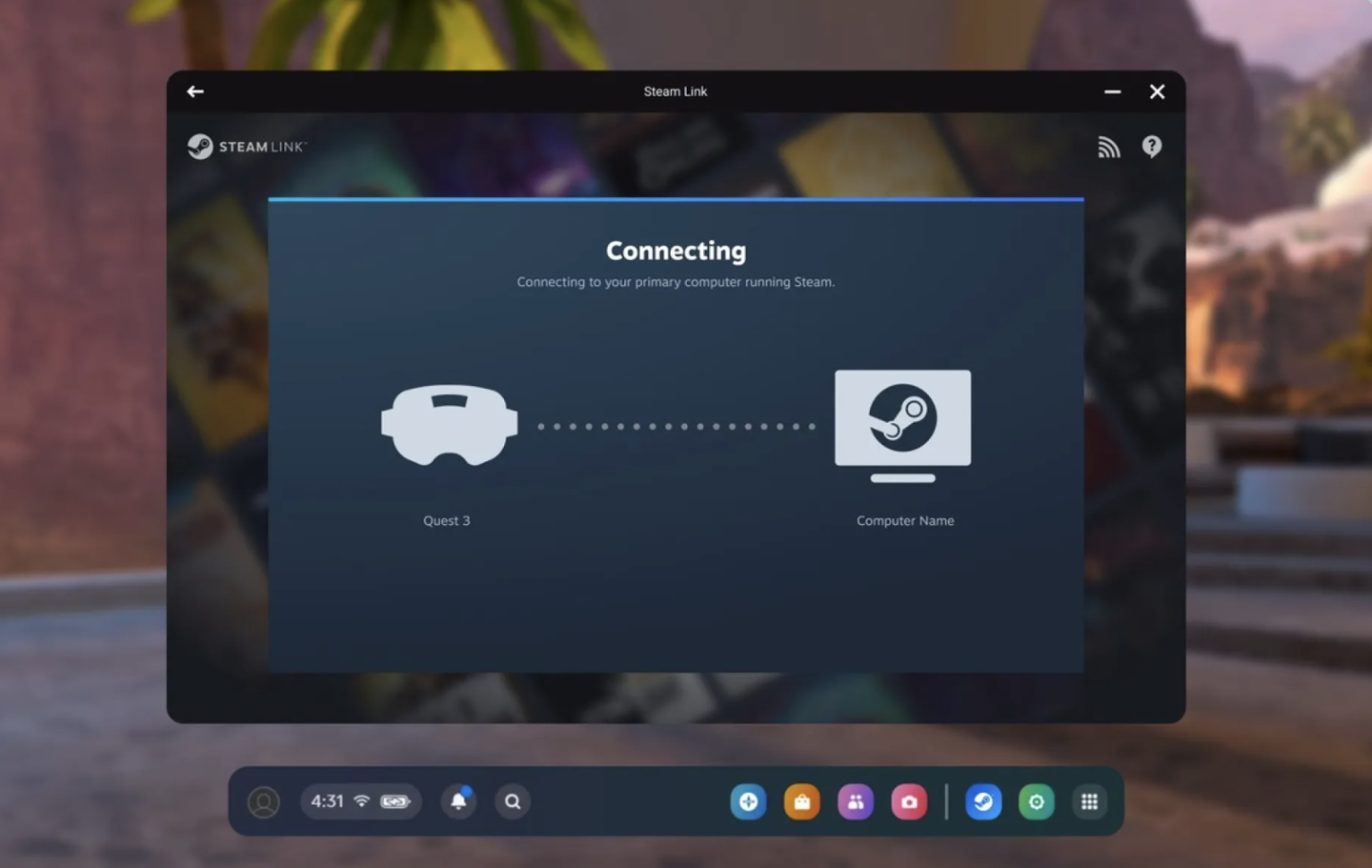
Valve has rolled out a new public beta update for its Steam Link app on Meta Quest headsets, introducing a highly anticipated feature: USB wired streaming. This update, version 2.17.8, allows users to connect their Quest devices to their PCs using a high-speed USB-C cable for a more stable and potentially lower-latency SteamVR experience.
Stable Connectivity Through USB-C
The addition of USB wired streaming addresses a common desire among VR enthusiasts for a more robust connection than Wi-Fi can sometimes offer. By leveraging a physical cable, players can bypass potential wireless interference and network congestion, leading to a smoother gameplay experience, especially for fast-paced VR titles. This feature aims to provide a more reliable way to enjoy PC VR games streamed directly to the Meta Quest headset.
Bug Fixes and Performance Enhancements
Beyond the headline USB streaming feature, the 2.17.8 beta update also brings several important fixes and optimizations. Valve has addressed an issue where loading animations would flicker when game frame rates were low. Additionally, the update resolves a problem where incorrect frame rates might be displayed within SteamVR settings. These improvements contribute to a more polished and stable overall experience for users testing the new build.
How to Access the Beta
To try out the new USB wired streaming functionality and other beta features, Quest users need to opt into the Steam Link public test channel. Here’s how:
- Open the Horizon Store on your Meta Quest headset.
- Join the Steam Link Public Beta channel.
- Once opted in, launch the Steam client on your PC.
- Navigate to your Steam Library.
- Right-click on SteamVR and select Properties.
- In the left-hand menu, choose Betas.
- Under the “Beta participation” dropdown, select “Beta – SteamVR Beta Update“.
After making these changes, your SteamVR software will update to the beta version, and you should be able to utilize the USB streaming option within the Steam Link app on your Quest headset.
Optimizing the VR Streaming Experience
Valve’s continuous work on the Steam Link application demonstrates a commitment to enhancing the PC VR ecosystem. Offering wired streaming as an option alongside existing wireless capabilities provides users with greater flexibility to tailor their VR setup to their specific needs and environment. This move is expected to be particularly welcomed by those who may have experienced connectivity issues or sought the highest possible fidelity in their streamed VR sessions.