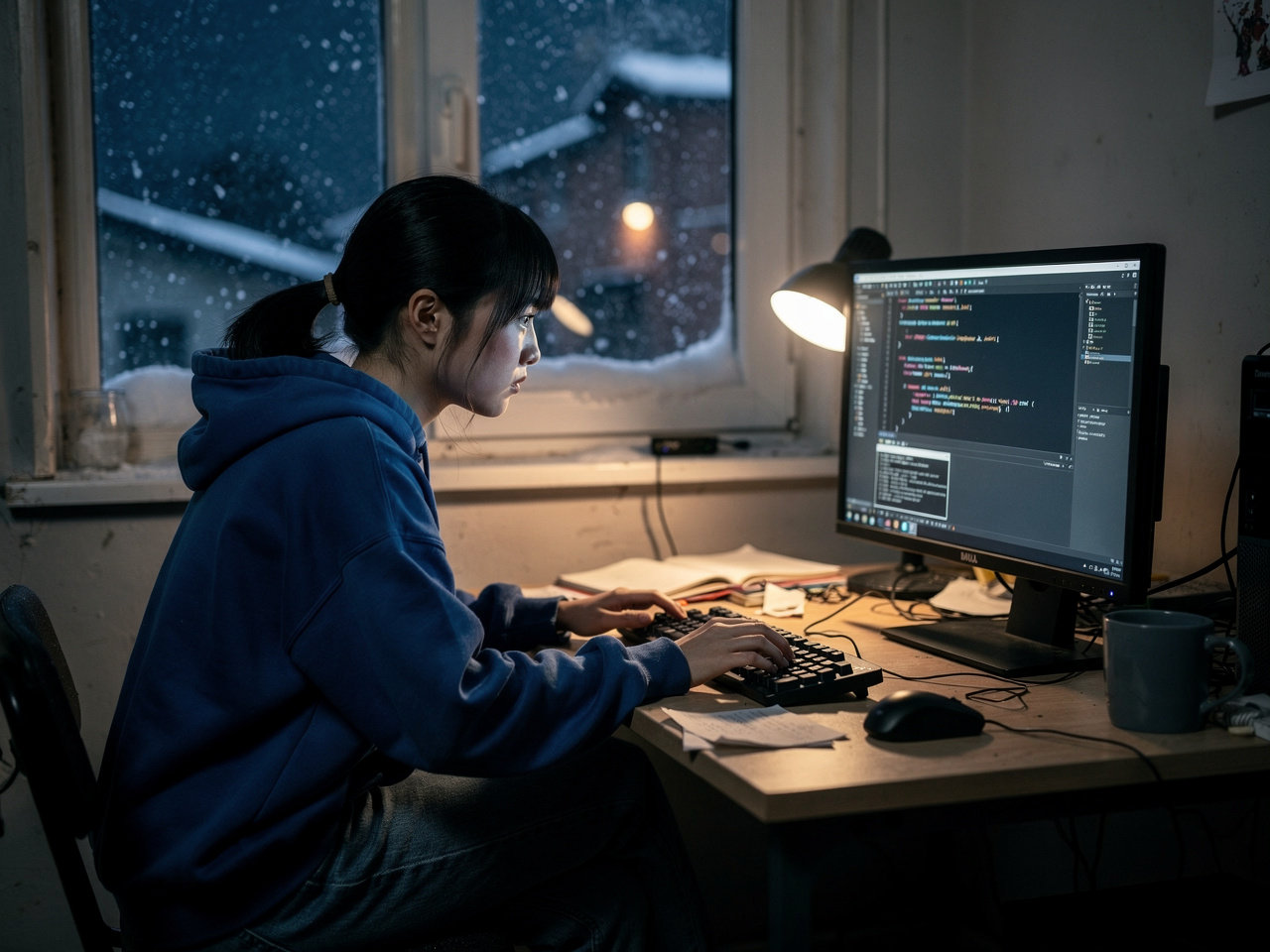
In 2026, you no longer need a $5,000 server to run a powerful AI. Thanks to quantization techniques and optimized frameworks, you can run a private, uncensored, and offline Large Language Model (LLM) on a standard consumer laptop or desktop.
This guide covers how to set up your own local AI for privacy and performance.
Why Run AI Locally?
-
Privacy: Your data never leaves your hard drive.
-
No Subscriptions: Stop paying $20/month for ChatGPT Plus.
-
No Censorship: Local models don’t have “safety filters” that block creative or technical queries.
-
Offline Access: Work anywhere without an internet connection.

Hardware Requirements (2026 Minimums)
To get a smooth experience (approx. 10-15 tokens per second), you need:
-
RAM: 16GB minimum (32GB recommended).
-
GPU: NVIDIA RTX 30-series or 40-series (8GB+ VRAM) for best performance.
-
Mac Users: Any M1/M2/M3/M4 chip with 16GB+ Unified Memory.
-
Storage: 50GB of SSD space.
Step 1: Choose Your “Engine” (Ollama or LM Studio)
The easiest way to start in 2026 is using Ollama. It’s lightweight and handles the heavy lifting in the background.
-
Go to Ollama.com and download the installer for Windows, Linux, or macOS.
-
Install the application and open your terminal (Command Prompt or Terminal on Mac).
Step 2: Selecting the Right Model
For a “regular” PC, you want models with 4-bit quantization. Look for these top performers:
-
Llama 3.x (8B): The best all-rounder.
-
Mistral Next: Excellent for creative writing and logic.
-
Phi-4 (Microsoft): Tiny but mighty—perfect for laptops with only 8GB of RAM.
Command to run Llama 3: ollama run llama3
Step 3: Setting up a Beautiful UI (AnythingLLM or Open WebUI)
Running AI in a black terminal window isn’t for everyone. To get a ChatGPT-like interface:
-
Download AnythingLLM Desktop.
-
In settings, select Ollama as your “Built-in Engine.”
-
Now you can upload PDF documents to your local AI and ask questions about them (RAG – Retrieval Augmented Generation).
Step 4: Optimization Tips
-
Close Chrome: Browsers eat VRAM that your AI needs.
-
Use “Small” Models: If your PC is lagging, switch to a 3B or 1B parameter model.
-
Keep Drivers Updated: Ensure your NVIDIA or Metal drivers are current.
Conclusion
Running a local AI in 2026 is no longer a “hacker-only” task. With tools like Ollama and AnythingLLM, anyone with a modern PC can have a private digital assistant.
Summary Table for 2026 Models
| Model | Size | Best For | Recommended RAM |
| Llama 3.x 8B | ~5GB | General Purpose | 16GB |
| Mistral 7B | ~4GB | Writing & Coding | 8GB – 16GB |
| DeepSeek V3 | ~10GB | Advanced Logic | 32GB |