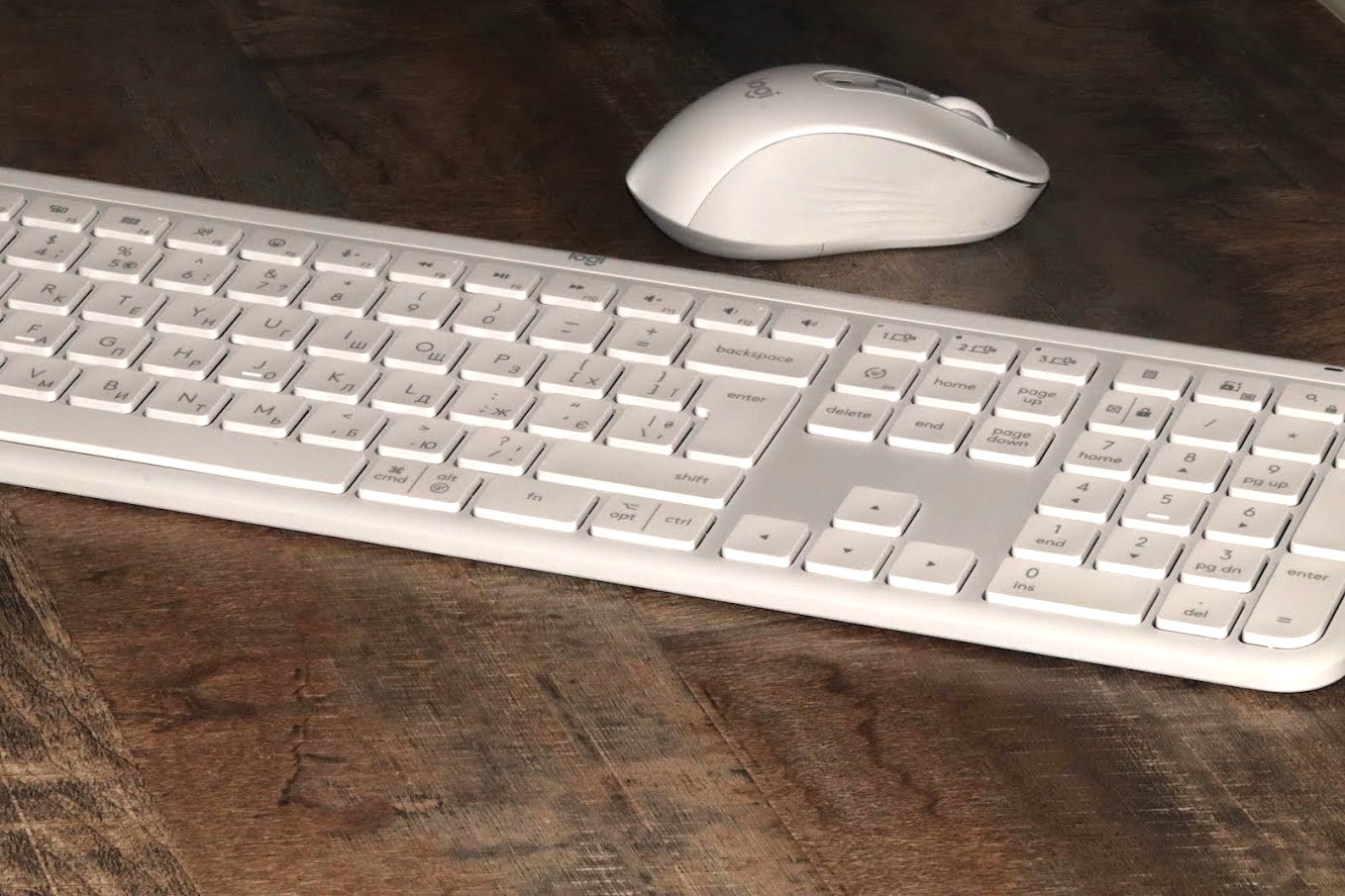
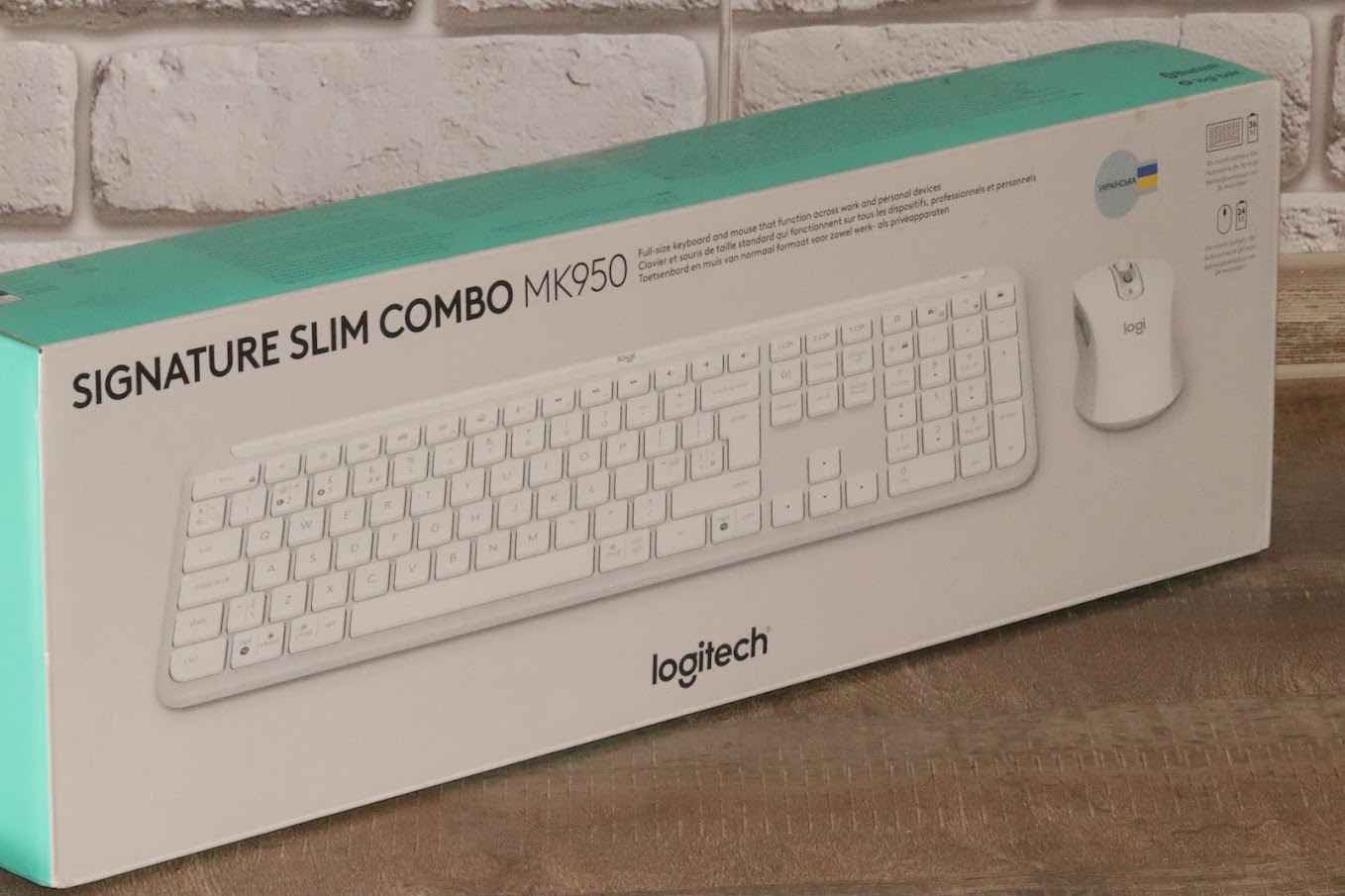
In the era of the Agentic State and massive AI-driven workflows, the physical tools we use to command our digital environments matter more than ever. The Logitech Signature Slim Combo MK950 is not just another keyboard and mouse set; it is a strategic investment in daily productivity.
Designed for meticulous users who value the “finer details,” this Swiss-engineered duo bridges the gap between premium aesthetics and industrial-grade functionality.
Design: A “Million-Dollar” Aesthetic
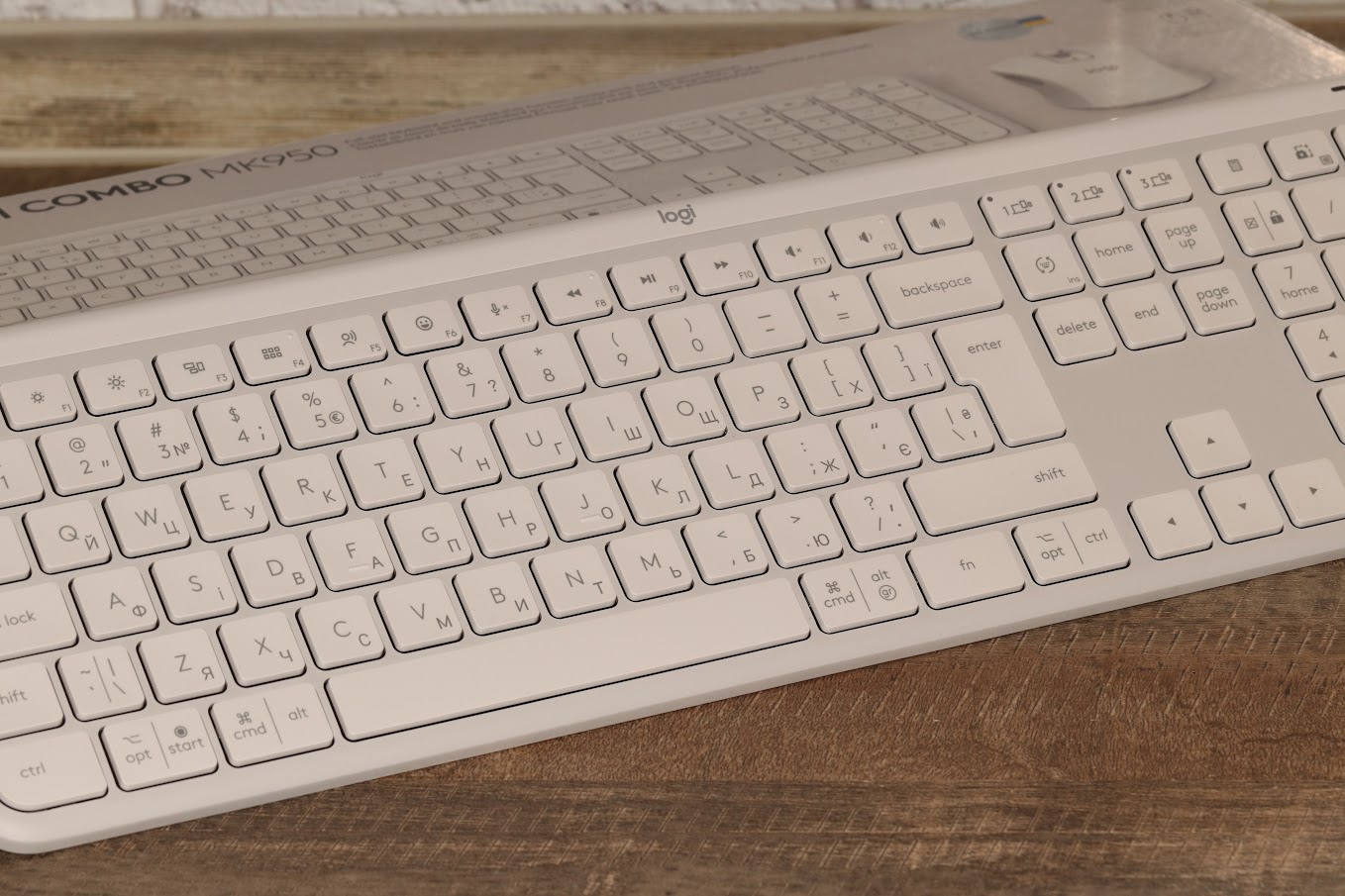
The first thing that strikes you about the MK950 is its visual prestige. Available in graphite and a stunning off-white (the reviewer’s favorite), it sets the fashion for modern workspaces.
-
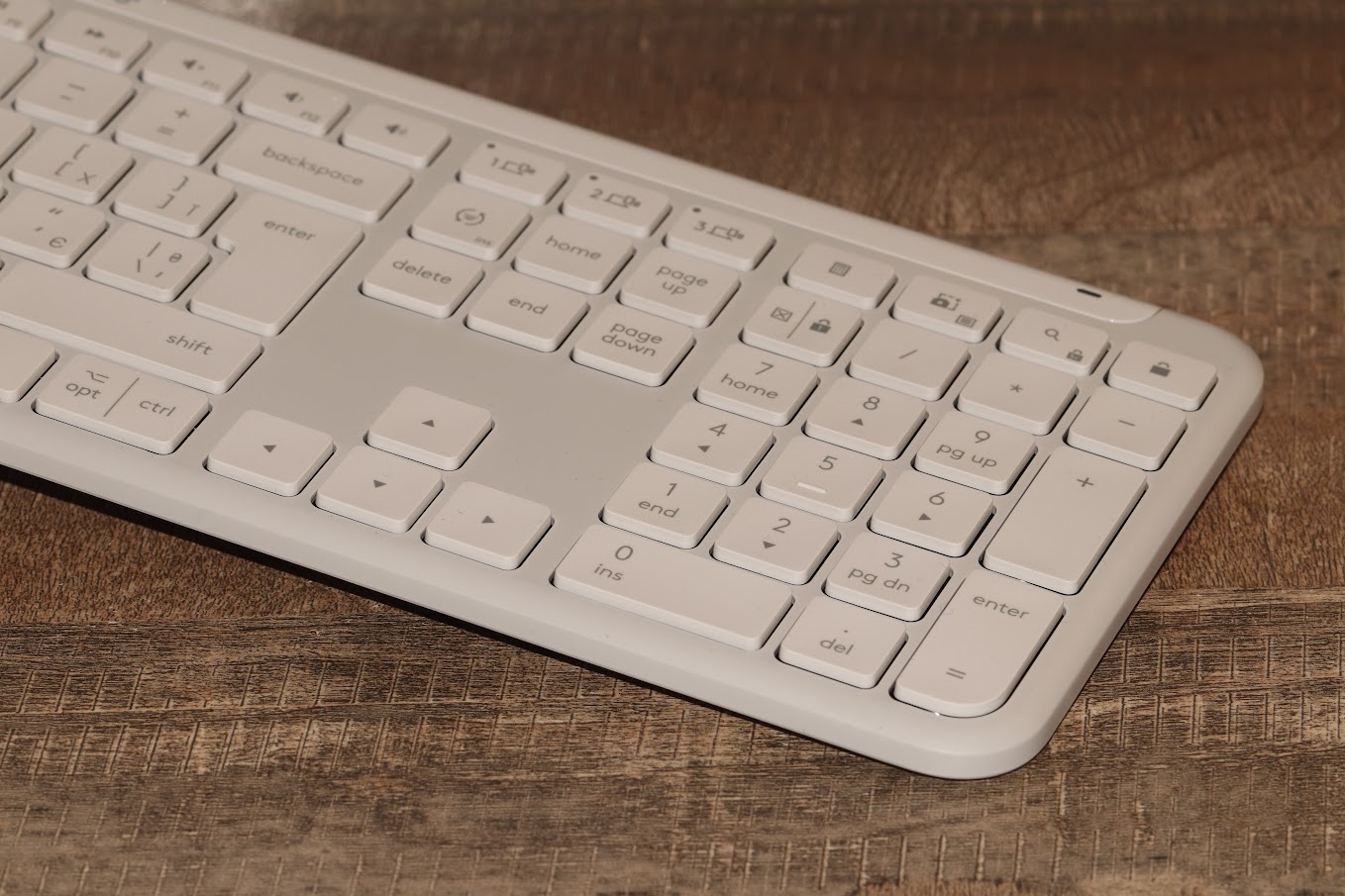
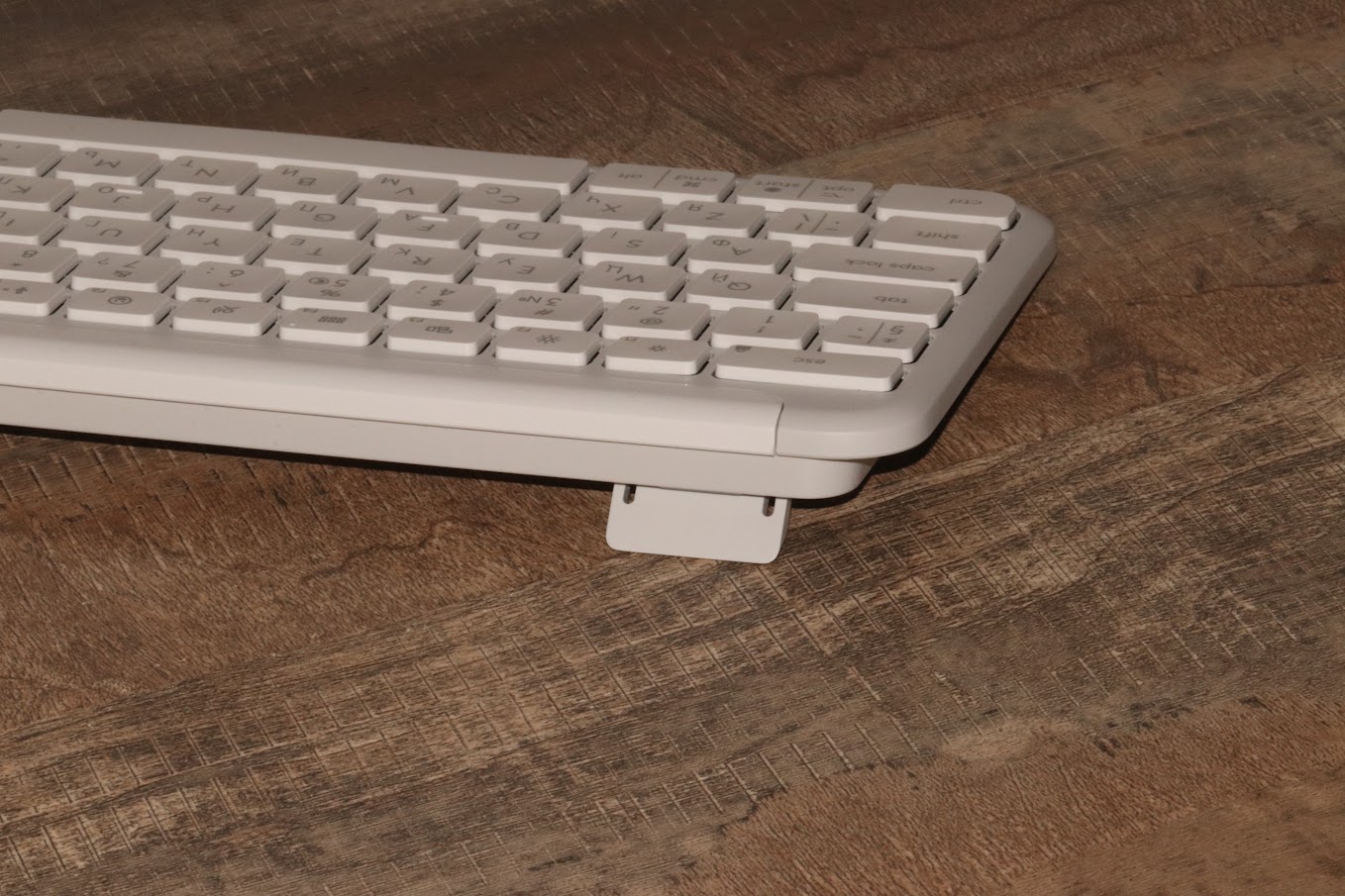
The Keyboard (K950): Features an ultra-slim profile with a top panel masterfully finished to look like aluminum. It complements high-end hardware from ASUS to Apple, fitting perfectly on an executive’s desk.
-
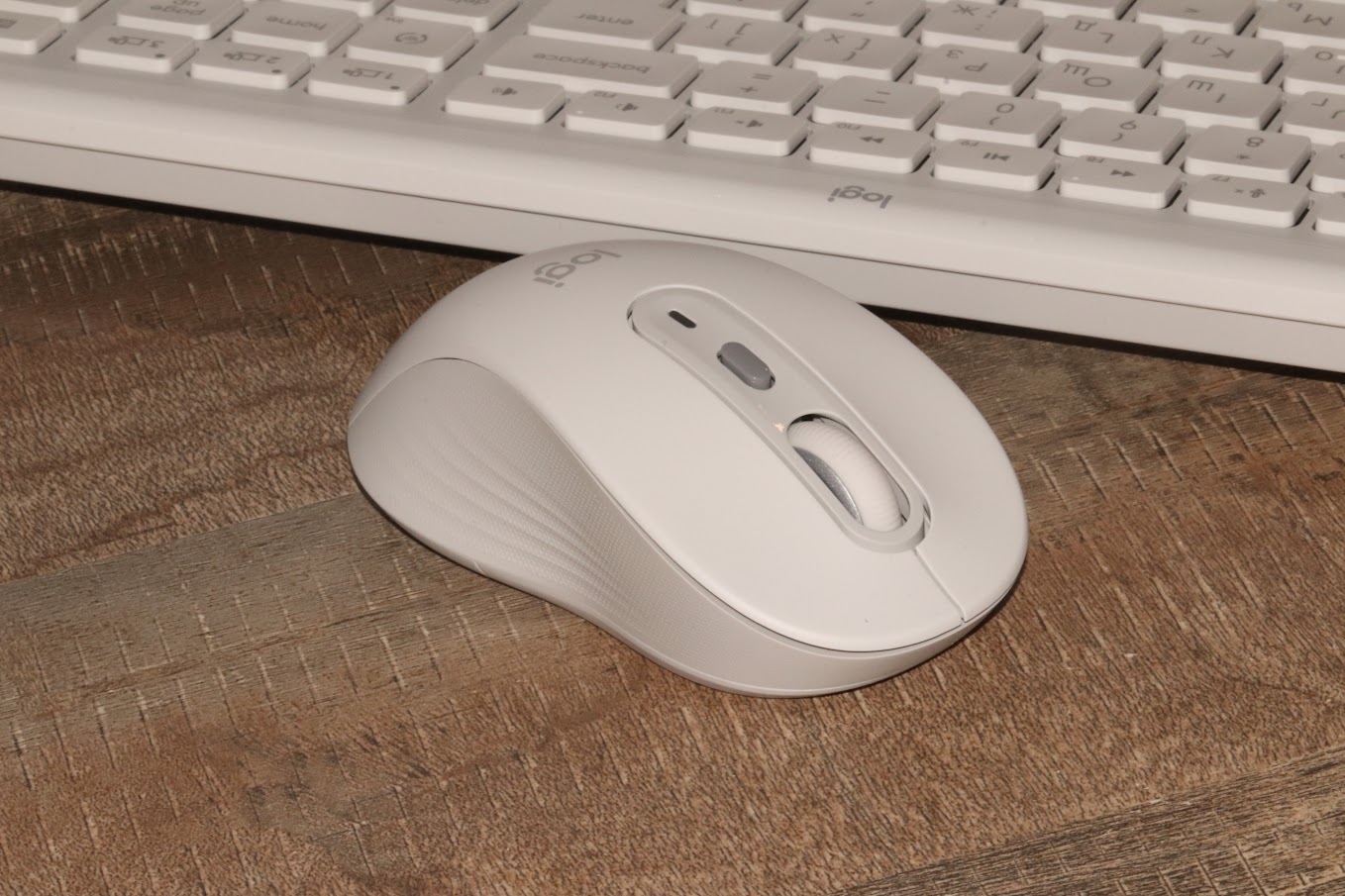
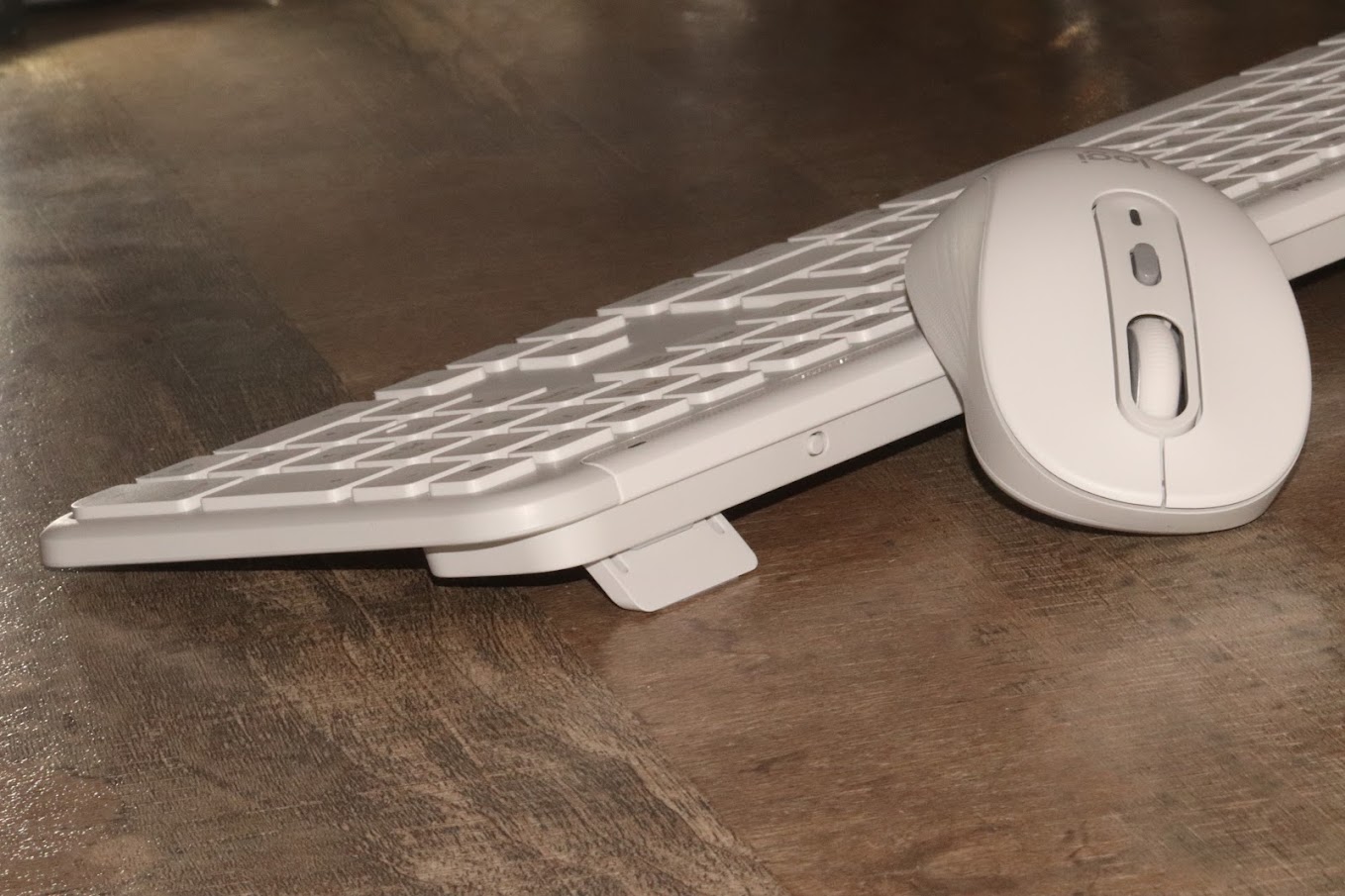
The Mouse (M750): A 100% symmetrical masterpiece, making it equally comfortable for both right-handed and left-handed users.
Technical Specifications at a Glance
| Feature | Signature Slim K950 (Keyboard) | Signature Plus M750 (Mouse) |
| Type | Membrane / Slim Profile | Advanced Optical Sensor |
| Connectivity | Logi Bolt Receiver / BT 5.1 | Logi Bolt Receiver / BT 5.1 |
| Resolution | N/A | 400 – 4000 DPI |
| Silent Tech | Whisper-quiet keys | SilentTouch Technology |
| Weight | 685g | 101.3g |
| Multi-Device | Up to 3 devices | Up to 3 devices |
Key Performance Pillars
1. Silent Operation & Tactile Precision
One of the MK950’s “secret weapons” is its near-silent operation. The keyboard provides a satisfying travel distance with enough resistance for those who use touch-typing, ensuring accuracy without the noise. The mouse features SilentTouch technology, eliminating 90% of click noise—ideal for focused work in shared spaces.
2. The Multi-Device Master
A major argument for the MK950 is its ability to connect to three different sources.
-
Seamless Switching: You can toggle between your PC, tablet, and smartphone with a single button press.
-
Broad OS Support: It works flawlessly across Windows, macOS, Linux, ChromeOS, iPadOS, and Android. In an age where professionals juggle multiple screens, this is a game-changer.
3. Logi Options+ Customization
The hardware is just the beginning. With the Logi Options+ utility, you can:
-
Reassign function keys for specific AI workflows or apps.
-
Monitor battery levels and connected devices.
-
Configure Smart Actions to automate repetitive tasks with a single keystroke.
Xpert Take: An Investment in Comfort
While the price point of 5299 UAH (~$135) places it above budget alternatives, the MK950 is a multi-year investment. It is designed to ensure that working with massive text arrays or complex data sets feels like a pleasure rather than a chore.
The high-quality materials, particularly the rubberized grips on the M750 mouse and the carbon-textured accents on the keyboard, prove that Logitech hasn’t cut corners. It is the “director-level” choice for those who demand the best in industrial design.