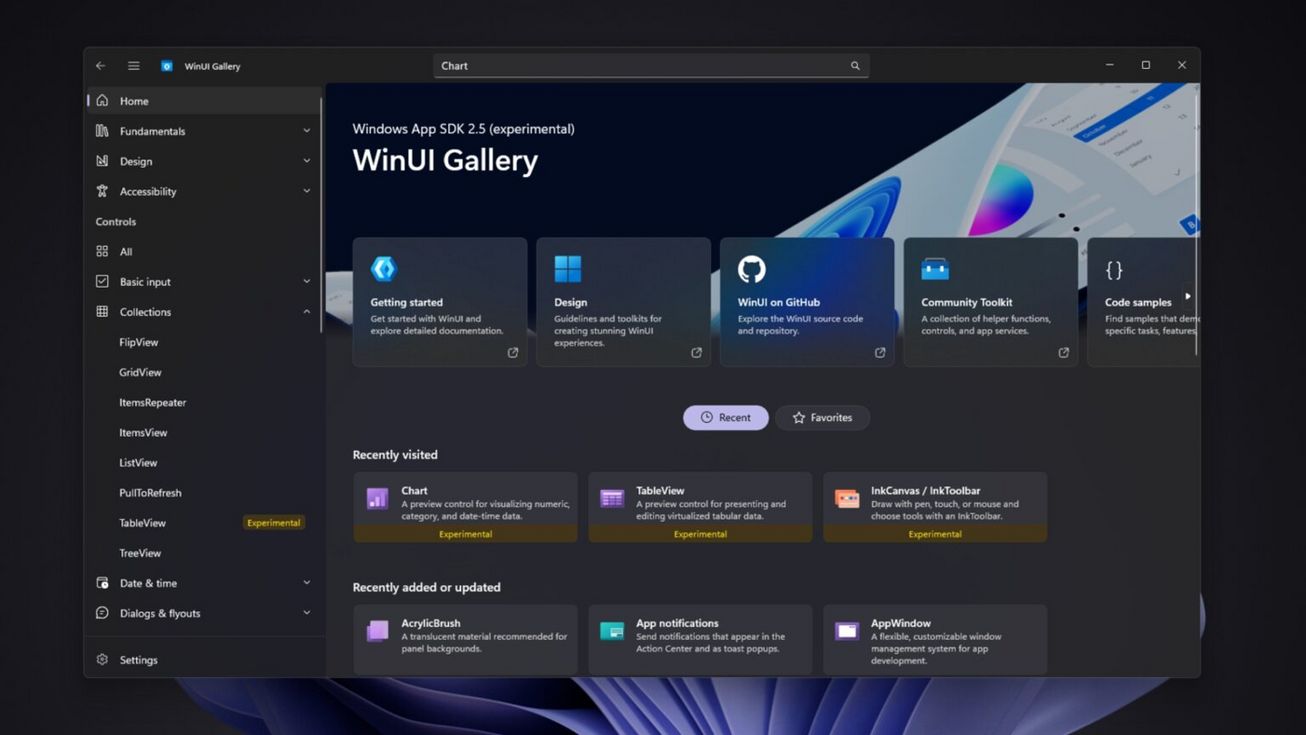
Microsoft has admitted that Windows 11 native app development using the WinUI framework faces significant challenges, including a notable delay in supporting the InkCanvas handwriting component. At the Ignite 2026 event, Microsoft revealed that some features took up to four years to materialize, underscoring development slowdowns.
WinUI InkCanvas Handwriting Component Delayed by Four Years
The InkCanvas component, essential for handwriting, drawing, and pen input across various applications like note-taking and digital signatures, has been a long-awaited feature by developers. Despite requests dating back to 2022, Microsoft only introduced an experimental version of InkCanvas and its accompanying InkToolbar in August 2026.
WinUI 3 users had repeatedly inquired about native InkCanvas support. Microsoft initially responded that the feature was under research and development and continued to report progress through 2023, but no official release followed until this experimental debut.
WinUI Issues Impact Basic Keyboard Functionality
Reports also highlighted WinUI’s impact on fundamental keyboard interactions. Developers demonstrated a simple app with just a ‘file upload’ button and an Enter key response feature that failed to react when users pressed Enter. Although keyboard focus was detected by the system, the keypress went unrecognized until users manually clicked the window again.
This keyboard input problem was only resolved in the Windows App SDK 2.4.0 update released in August 2026, illustrating ongoing issues in WinUI’s stability and responsiveness.
Microsoft engineer Beth Pan has previously acknowledged that the WinUI development experience is unsatisfactory, citing numerous small bugs and many unresolved issues reported by developers. These admissions and delays highlight that Windows 11’s native app platform still requires considerable refinement.