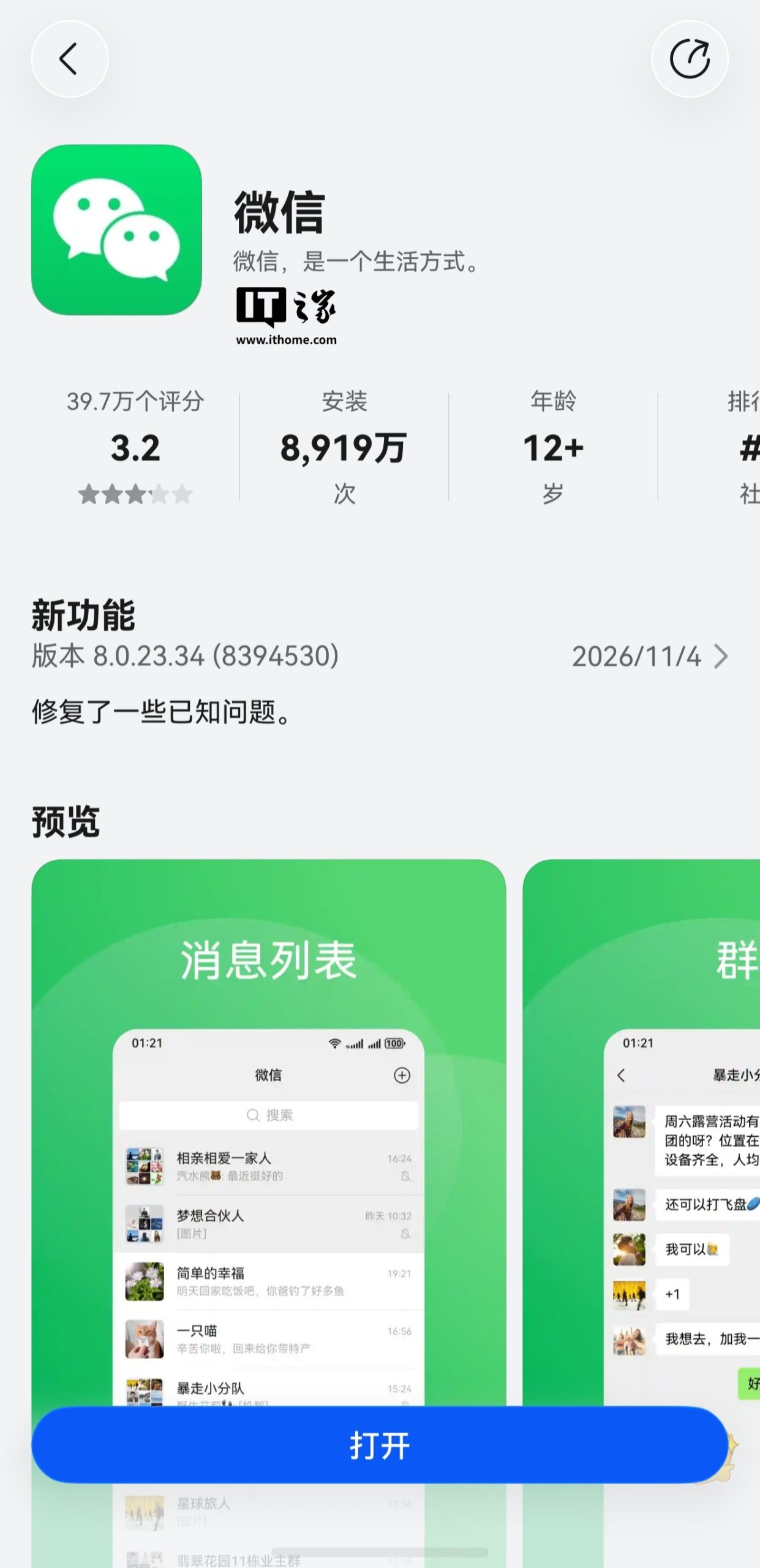
WeChat for HarmonyOS has received a significant update, version 8.0.23.34, bringing a host of new features and improvements. Released on November 4th, this update addresses user feedback and enhances the overall experience for HarmonyOS users.
Key Improvements and New Features
While the official changelog simply states “Fixed some known issues,” user reports highlight several substantial additions:
- System Font Responsiveness: Certain cross-platform Flutter pages, including Moments, Listen, and Emoji Management, now adapt to system font size adjustments.
- Ringtone Settings: The ringtone selection interface has been updated with a new entry point in the top right corner, allowing users to enable or disable personalized content recommendations.
- Video Account Enhancements: Users can now add annotations when posting content to their Video Accounts. This feature is also available for existing Video Account posts via the share option.
- Live Streaming Improvements: A new search button has been added to the “Discover – Live – More Live” section, making it easier to find specific live streams.
- “Ask Xiaowei” Integration: The “Listen” feature now boasts a floating “Ask Xiaowei” entry point in the bottom right corner of the main page. This button provides context-aware prompts for quick access to Xiaowei-related functions. Additionally, a new “Ask Xiaowei” option is available when sharing content from the playback page. (Note: The floating button and sharing integration are being gradually rolled out).
- Official Account Icon Refresh: Official Account icons have been updated to align with the design on other platforms.
- Copying User Information: Users can now long-press to copy information such as friend nicknames, group nicknames, remarks, WeChat IDs, and regions.
- Service Account Management: In the Service Account information flow, articles from followed Service Accounts can be long-pressed to unfollow or delete message notifications.
- Chat Media Display: The display button for images and videos within a chat has been updated when opening media from the bottom right corner.
- Forwarding Service Account Stickers: Long-pressing recommended stickers in the Service Account information flow now offers a forwarding option.
- Group Management: For group chats where users have management permissions, viewing group member details now shows the inviter’s nickname in a clickable blue state.
- Moments “Like” Easter Egg: Support has been added to display the “Moments” “like” easter egg, as configured on other devices.
- Service Account Notifications: Notification reminders for Service Accounts now display the names of the Service Accounts involved, changing from “[n messages]” to “[xxx and n other messages]”.
- Image Opening Fix: The long-standing issue of delayed image opening has been resolved.
- Group Payment Import: The top right corner of the group payment feature now includes an import option. This allows users to import bills, group buy lists (Qun Jielong), and historical group payment records when initiating a group payment. (This feature is gradually rolling out and supports versions 8.0.22 and above).
- Group Chat Do Not Disturb: After enabling “Do Not Disturb” for group messages, users can now set exceptions for specific messages to still receive notifications.
Gray-Scale Rollout of Merged Photo Sending
A notable highlight of this update is the expanded gray-scale rollout of the merged photo sending feature. When sending three or more images or videos to a friend, users will now see an option to “send with merged display.” This allows for a cleaner and more organized way to share multiple media files.
This update underscores WeChat’s continuous effort to refine its user experience across different platforms, with a particular focus on integrating seamlessly with the HarmonyOS ecosystem.